Photo grid maker
Your photos in equal frames, in rows and columns. Free, right in your browser.
- No sign-up Open the page and start.
- No watermark Your collage, nothing added.
- Nothing uploaded Made in your browser, on your device.
- Up to 20 photos With layouts that fit their shapes.
A photo grid sets your photos out in frames of the same size: two side by side for a before and after, a 2×2 of four outfits, a 3×3 of your nine best moments of the year. Add up to 20 photos and the even grids for that number come first, in rows and in columns; tap on for collages with mixed frames. Swap and zoom the photos, add lines between them if you like, and download the grid as a full-size JPG. It’s free, with no sign-up and no watermark, and your photos never leave your device.
How to make a photo grid
- Add your photos. Choose up to 20 photos or drop them on the page. Four make a 2×2 grid, six a 2×3 or 3×2, nine a 3×3.
- Pick the grid. The first layouts are even grids for the number of photos you added, in rows and in columns. Tap More layouts for collages with mixed frame sizes.
- Put each photo in its place. Drag a photo onto another to swap them, drag inside a frame to choose what shows, and zoom with a pinch or the slider. Add spacing for lines between the photos.
- Download the grid. Save it as a full-size JPG with no watermark, or straight to Photos on a phone.
Which grid for how many photos
| Photos | Grid | Works well for |
|---|---|---|
| 2 | Side by side, or one above the other | Before and after, then and now, two outfits |
| 3 | Three across, or three down | A short story in three steps, a trio of products |
| 4 | 2×2 | Four looks, four seasons, a recipe in four steps |
| 6 | 2×3 or 3×2 | A day out, a room from six angles |
| 9 | 3×3 | Your year in nine photos, a moodboard |
| 12 to 20 | 3×4, 4×4, 4×5 | A photo dump, a trip, a team or a class |
Counts that don’t divide evenly, like five or seven, get rows of different lengths, the longer ones at the bottom.
Tips for a grid that looks good
- Mix close-ups and wide shots. A grid of nine wide views looks busy; swap in details and faces between them.
- Balance the colours. Drag the brightest or most colourful photos apart so they don’t clump in one corner.
- Square for small screens. Square grids stay readable in feeds and chats; tall grids suit stories.
- Lines or no lines. No spacing looks modern and seamless; a thin white or black line makes each photo stand on its own.
Grid and collage templates
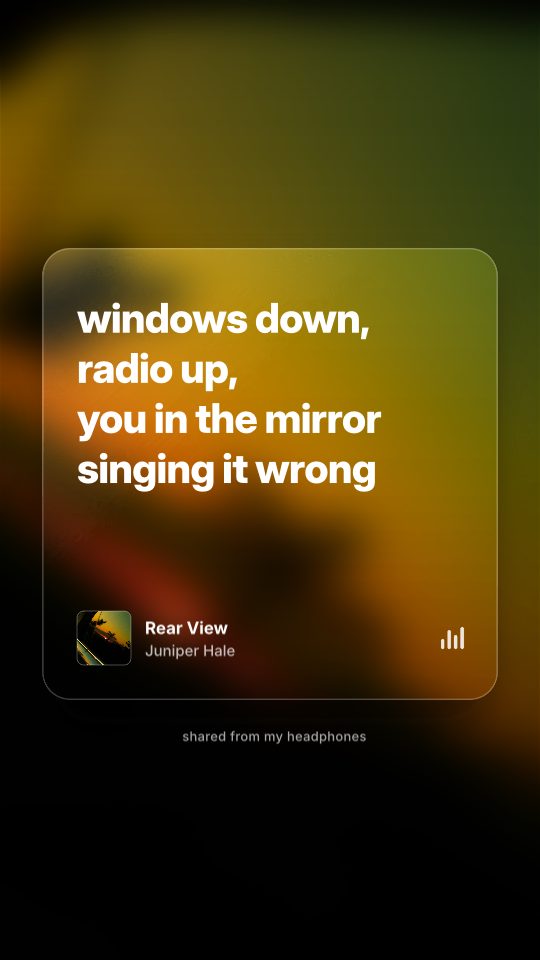
Lyric Card

Photo Pile
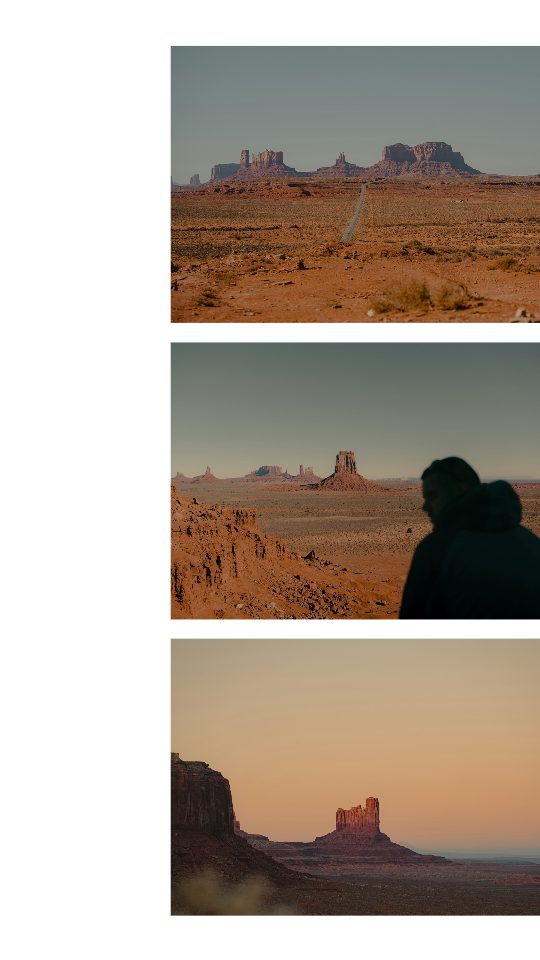
Bleed Trio
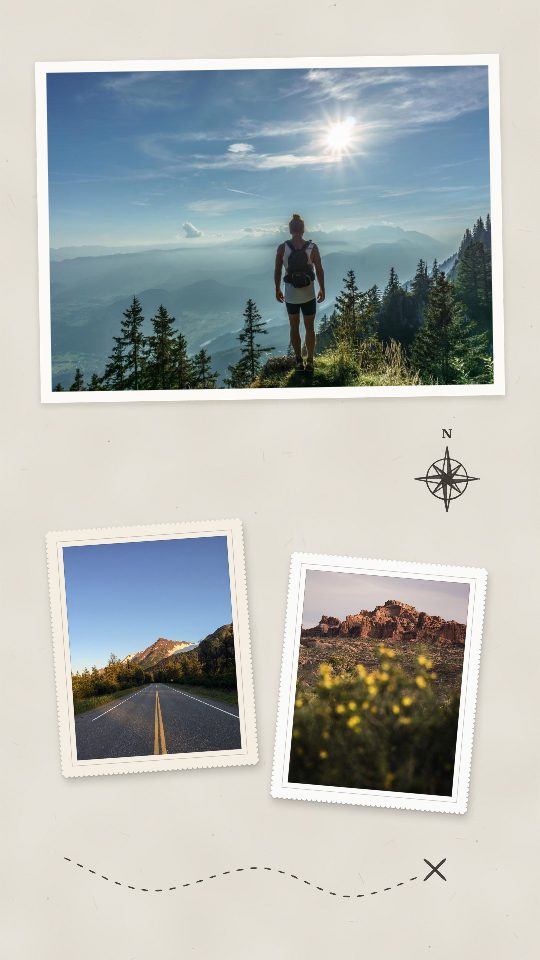
Route Map
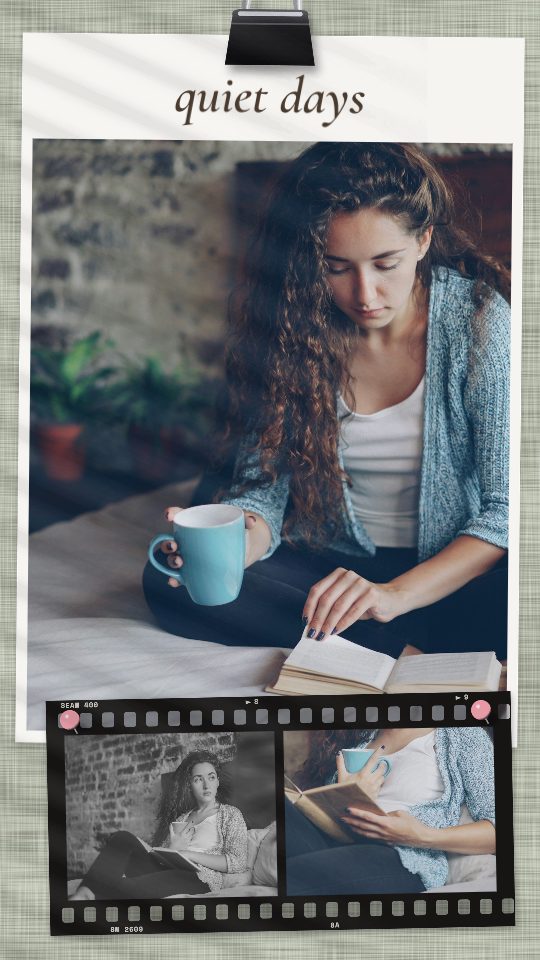
Quiet Days
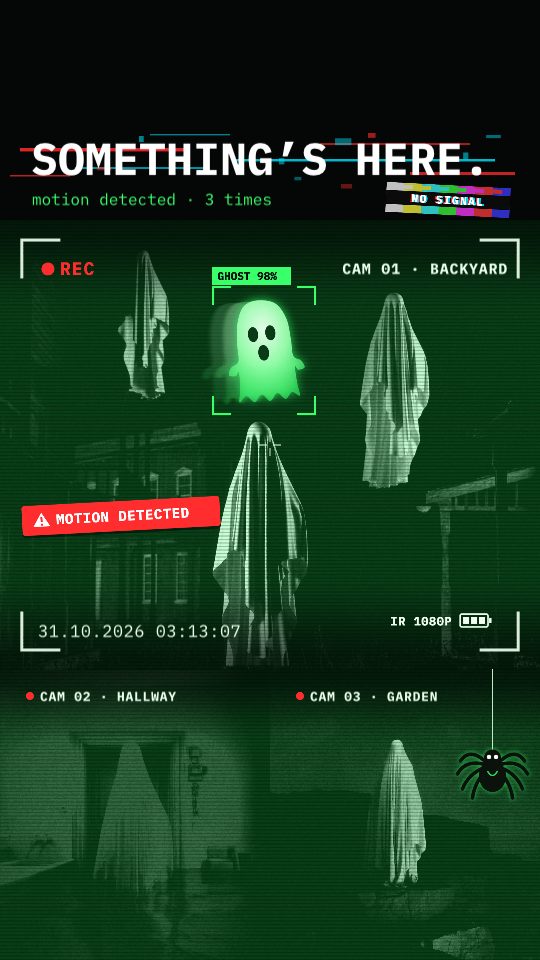
Caught on Cam
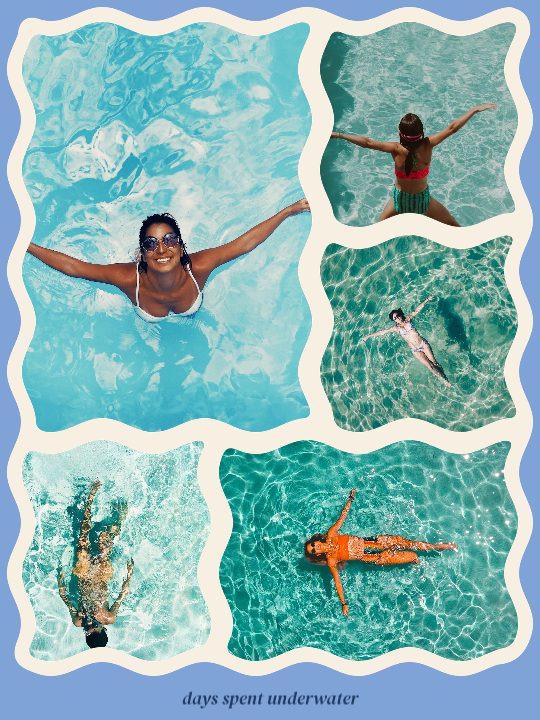
Wavy

Spelled Out
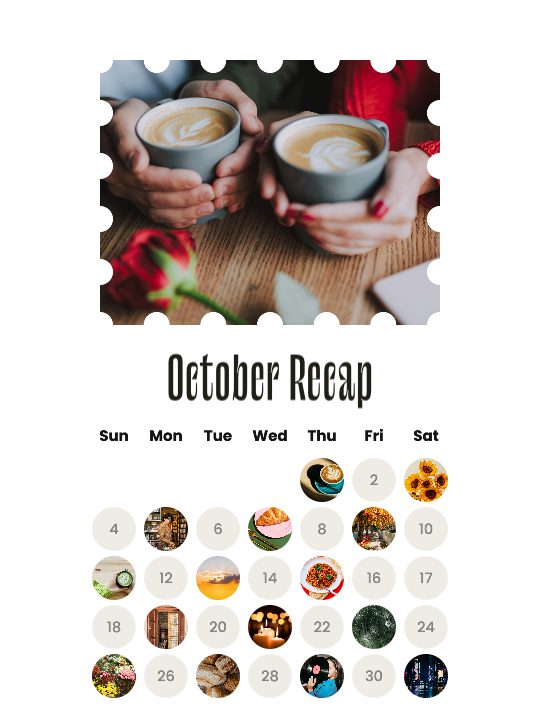
October Dots

Dead good company
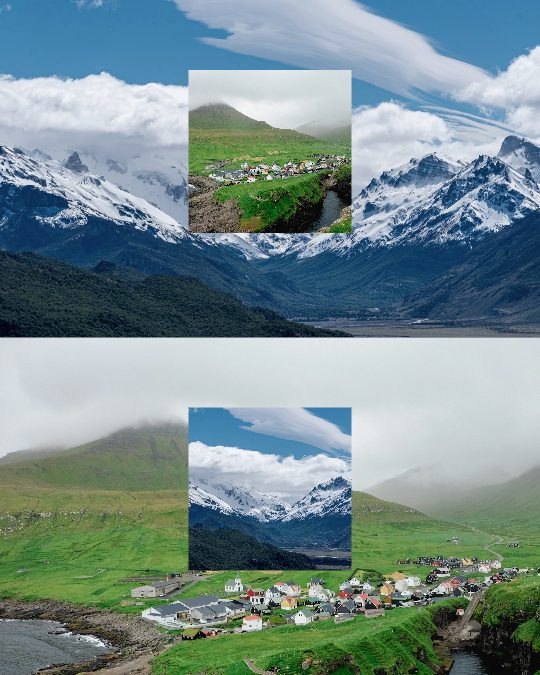
Color Swap
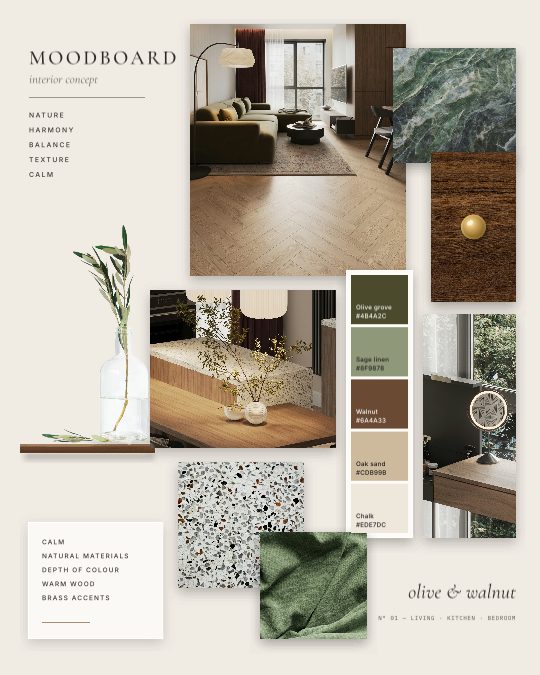
Interior Concept
Questions
What is a photo grid?
One picture made of several photos in equal frames, set out in rows and columns: two side by side, a 2×2 of four, a 3×3 of nine. A collage can mix big and small frames; a grid keeps them the same.
How do I make a 3×3 photo grid?
Add nine photos, keep the square size and pick the first layout, a 3×3 grid. Swap photos until the order looks right, then download it.
What if my number of photos doesn’t make an even grid?
The grid gives one row (or column) a photo more than the others, so five photos make a row of two over a row of three. Tap through the layouts to see both ways round.
Is it free, and do I need an account?
It’s free, with no account and no watermark, and your photos stay on your device: the grid is made in your browser.
Can I add lines or a border between the photos?
Yes. Move Spacing up to put space between the photos and around the edge, and pick its colour under Background. Leave it at None for photos that touch.
Can I split one photo into a grid for my Instagram profile?
That is something different: this tool puts many photos into one picture. To spread one wide photo across the slides of a carousel, use the photo splitter.
What size should a photo grid be?
Square (1080 × 1080 pixels) suits 2×2 and 3×3 grids and every Instagram view. For a taller feed post use 4:5 (1080 × 1350), and for stories 9:16 (1080 × 1920).
Want frames of different sizes? Use the photo collage maker. Posting to Instagram? See the Instagram collage maker, or the 3×3 grid templates.
Seamly is an app too
Make collages on your phone with the Seamly app for iPhone, iPad and Android: your photos straight from the camera roll, plus templates, text, stickers and filters. Projects you start in the browser can follow you to your phone.