Seamless carousel maker
One wide design, one swipe. Seamly lays your photos, words and stickers across a single canvas and cuts it into slides that line up as people swipe. Start from a carousel template or a blank canvas, pick the slide shape and how many slides, and save every slide numbered in posting order, at Instagram’s size.
Free to start · 4:5, 3:4 or square slides · No watermark on free exports

Seamless carousel templates
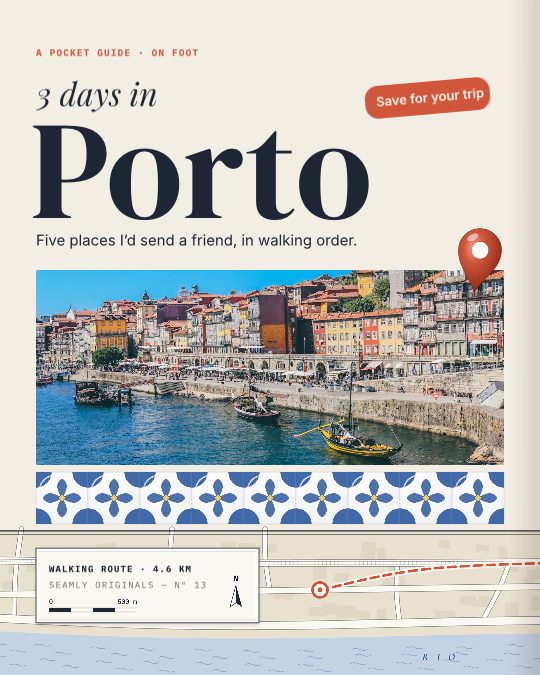
Pocket Guide
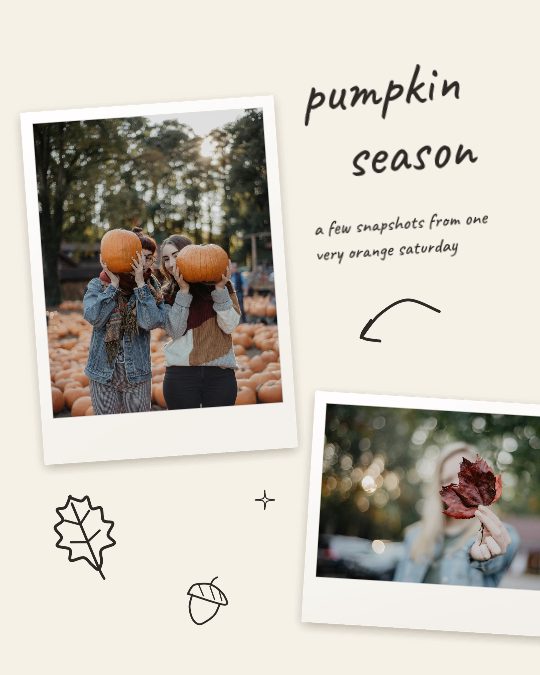
Scribbled
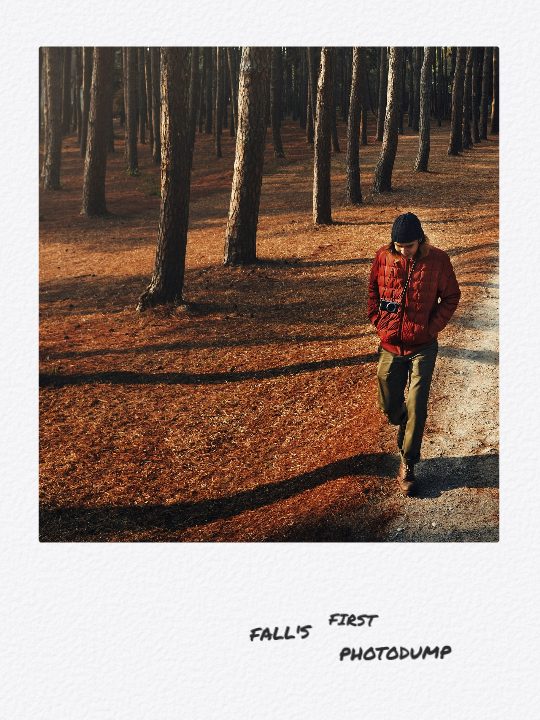
Photodump

October Recap
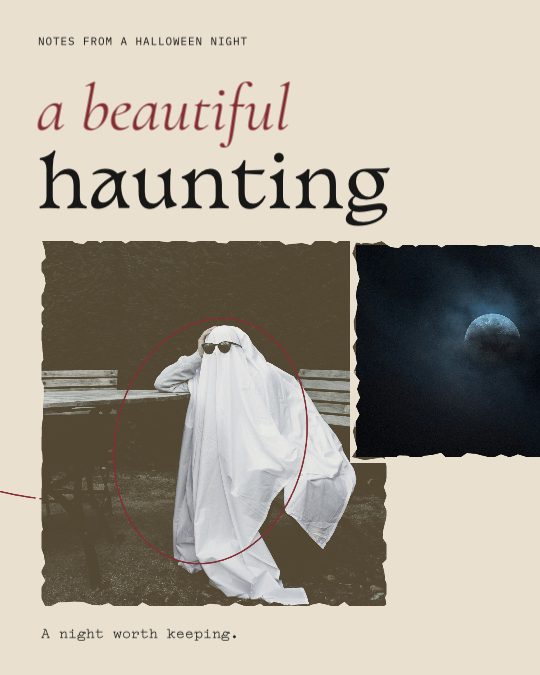
A Beautiful Haunting
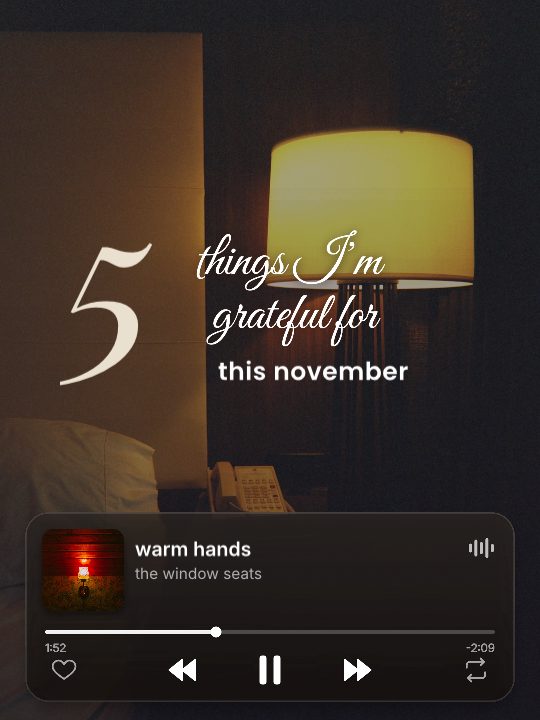
Grateful Five
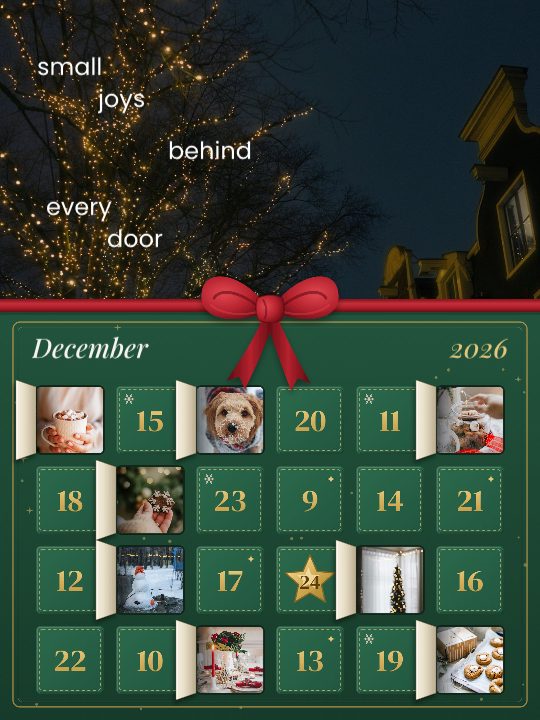
Advent Days
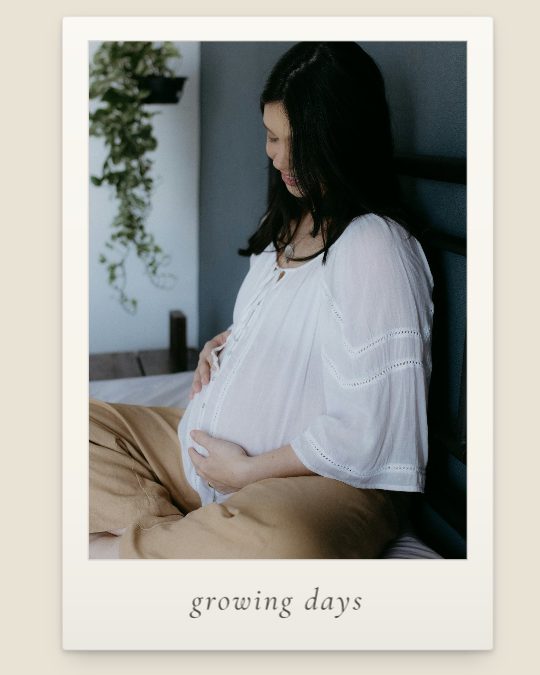
Growing Days
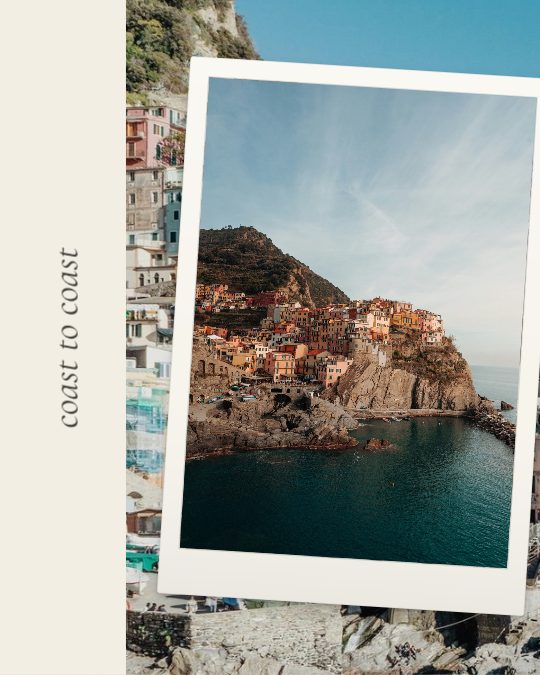
Coast to Coast

Black & White
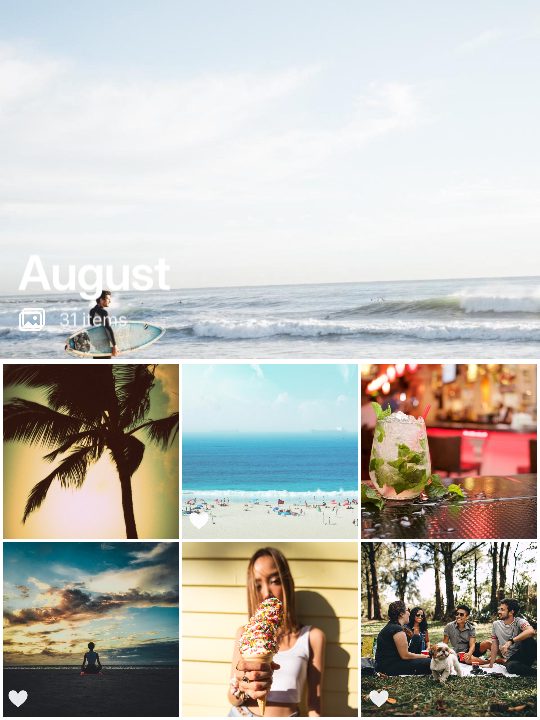
August Album

Neighborhood Guide
Make a seamless carousel in three steps
- Get Seamly. Free on iPhone and Android, or start in your browser.
- Start a seamless carousel. Open a carousel template or a blank canvas, choose the slide shape and how many slides, then add your photos and words. Anything that crosses a seam carries on into the next slide.
- Save the slides and post. They come out numbered, at Instagram’s size. Post them in that order as one carousel, and the design joins up as people swipe.
Instagram carousel sizes
| Shape | Slide size | Good to know |
|---|---|---|
| 4:5 portrait | 1080 × 1350 px | The usual carousel shape: tall in the feed and shown in full everywhere. |
| 1:1 square | 1080 × 1080 px | The classic post; the shortest slides, so you need more of them for a wide photo. |
| 3:4 tall | 1080 × 1440 px | The shape most phone cameras shoot and the shape of the profile grid’s tiles, so slide 01 isn’t cropped there. |
A carousel holds up to 20 photos or videos, and every slide takes the first slide’s shape, so make them all the same. A photo that is wider than its slides needs more slides, not a wider shape.
Tips for a clean seam
- Keep faces and words off the lines. A seam through someone’s face is the first thing people notice.
- Let something run across every seam — a horizon, a road, a shoreline — so it’s obvious there is more to see.
- Make slide 01 work on its own. Your profile grid shows only the first slide, cropped to a 3:4 tile.
- Give the whole photo one look. A photo stretched across the slides takes its filter everywhere at once; editing slides one by one breaks the join.
- Post in order and keep the crop. Pick the slides from 01 upwards, and if Instagram offers a crop, keep the shape you made the carousel in.
Splitting a panorama? The panorama carousel guide covers how many slides you need and how to post them.
Questions
Is Seamly free?
Yes. Seamly is free to start on iPhone, Android and the web, and free exports have no watermark. Seamly Pro adds Pro templates and tools.
How many slides can an Instagram carousel have?
Up to 20 photos or videos in one post. Pick as many pages as your design needs; three to five suit most seamless carousels.
Which shape should I choose?
4:5 portrait suits most carousels. Choose 3:4 if you want slide 01 to fill its profile-grid tile without a crop, or 1:1 for square posts. Use the same shape for every slide.
Why does my carousel look cropped or out of line on Instagram?
Instagram gives every slide the first slide’s shape. Keep the crop in Instagram’s picker on the shape you made the carousel in, and post the slides in order, starting with 01.
Can I add text, a cover or a template?
Yes. Start from a carousel template or a blank canvas, put your photos and words across the slides, and export every slide at once, in your browser or in the iPhone and Android apps.
Can I just split one wide photo?
Yes. Start a seamless carousel and stretch the photo across every page, and each page becomes one slide. For a quick straight cut, the panorama guide has a free splitter.
More ideas in the carousel templates, or read how to make a seamless carousel.
Seamly is an app too
Split, edit and post from your phone with the Seamly app for iPhone, iPad and Android, with your photos straight from the camera roll. Projects you start in the browser can follow you to your phone.