Instagram collage templates
Several photos, one picture. These collages fit two to ten photos into a single Instagram story or post: neat grids and contact sheets, instant prints scattered across a table, journal and scrapbook pages with tape and handwriting, film strips and moodboards. Pick one, open it in your browser, drop in your photos and export it, or open the same template in the iPhone or Android app.
391 templates · 361 stories · 30 collage posts · 89 Pro · Pro templates need Seamly Pro; the rest are free

Story collages
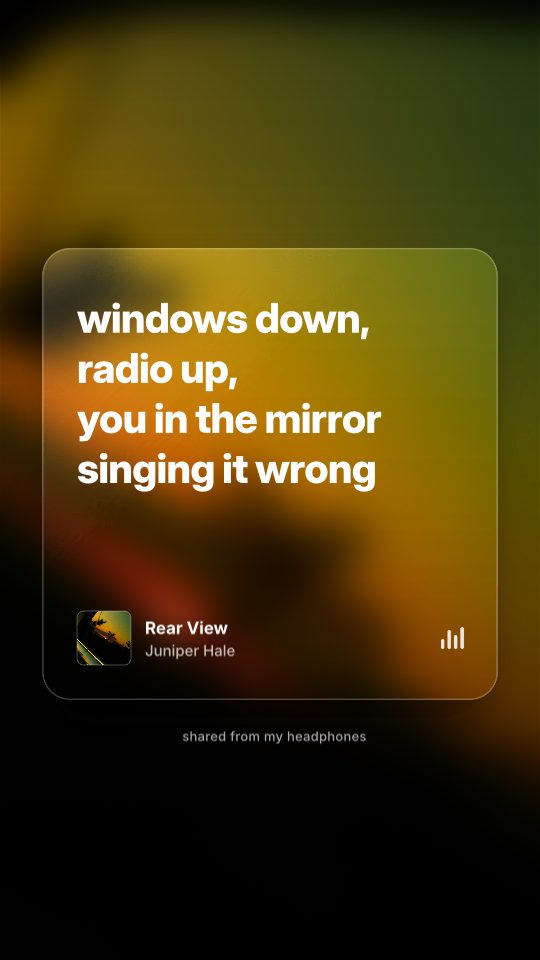
Lyric Card
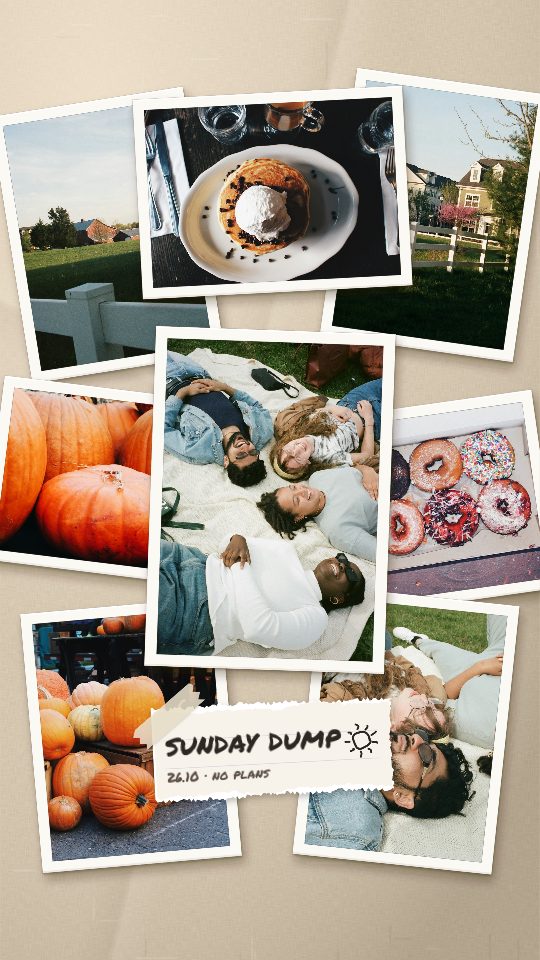
Photo Pile
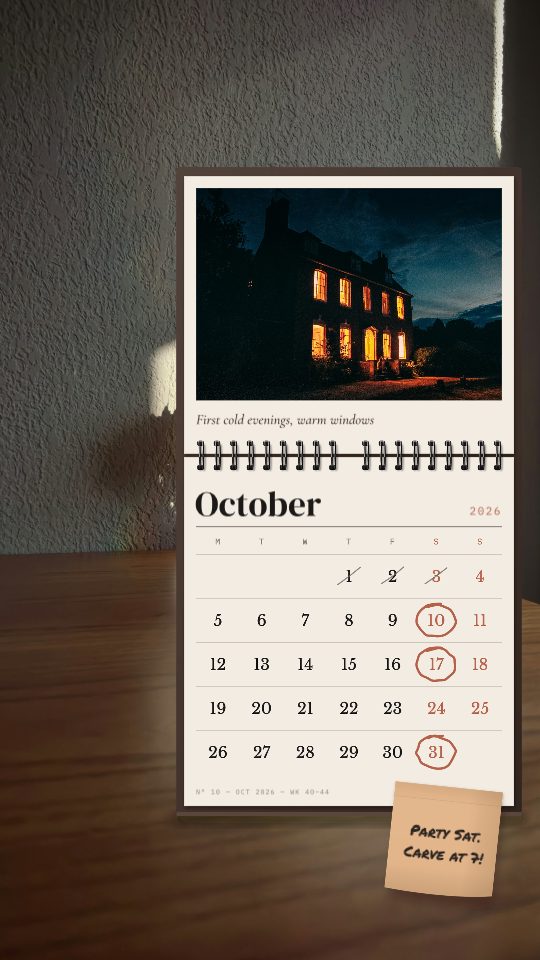
October Desk Calendar
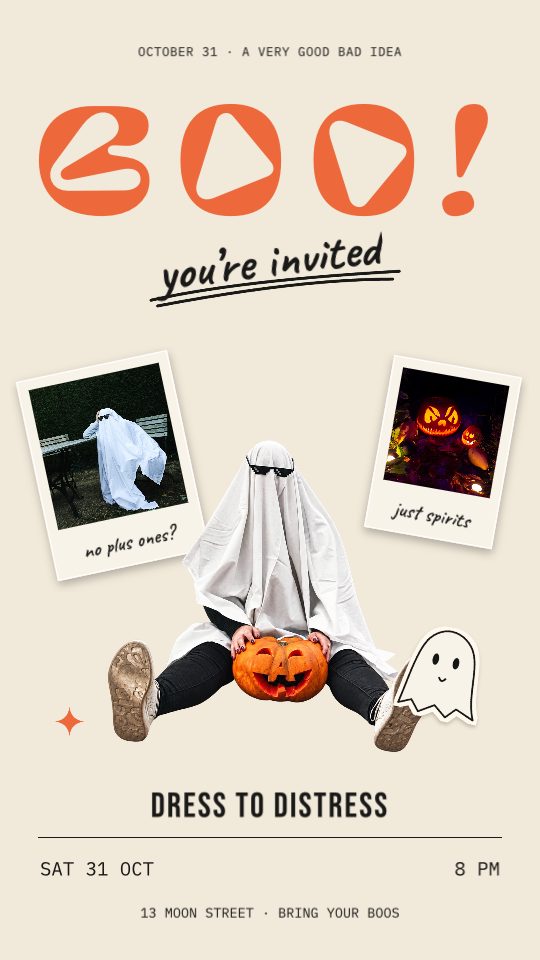
Boo! You’re Invited
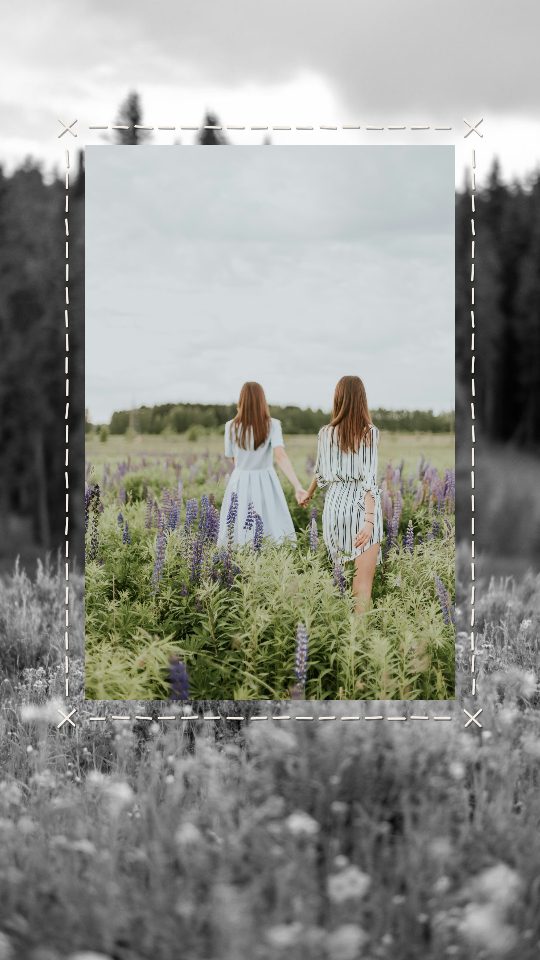
Stitched Frame
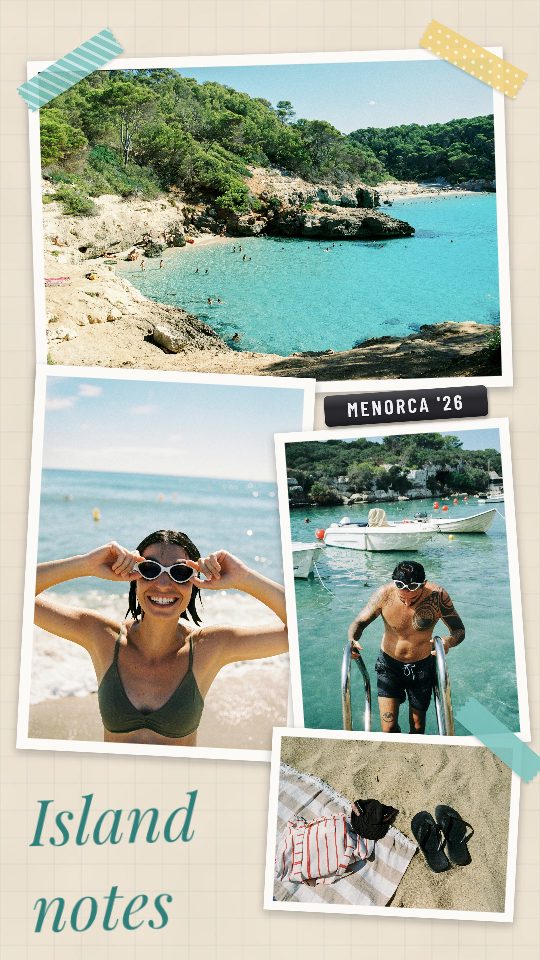
Island Notes
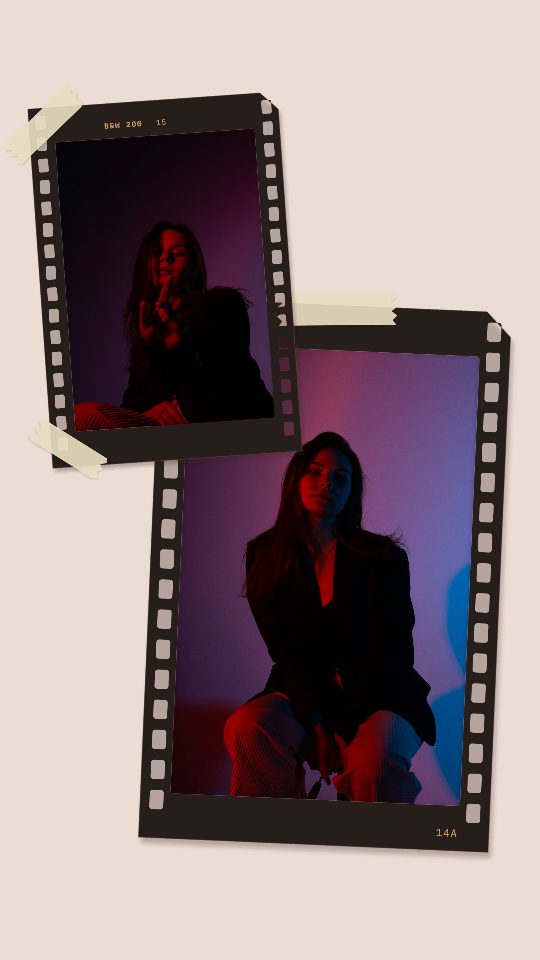
Taped Frames
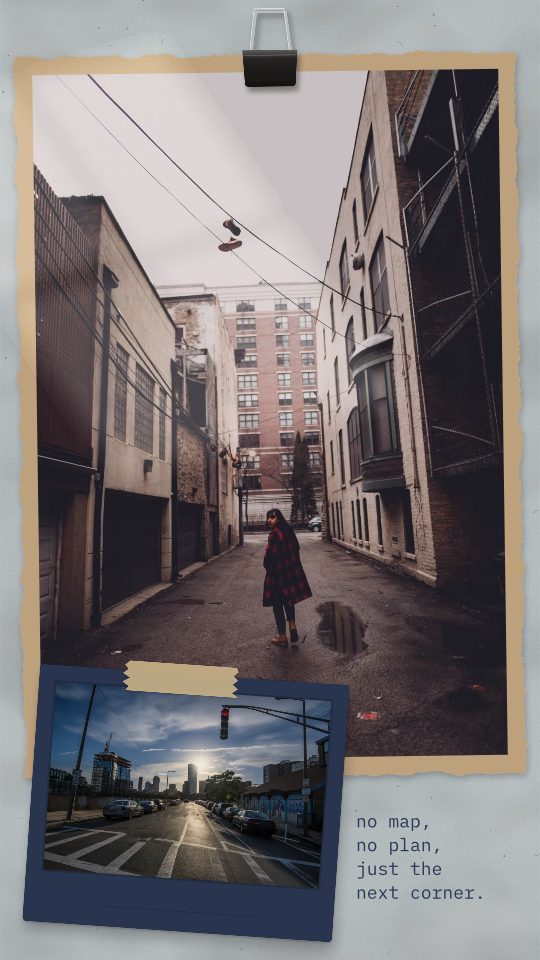
Side Streets
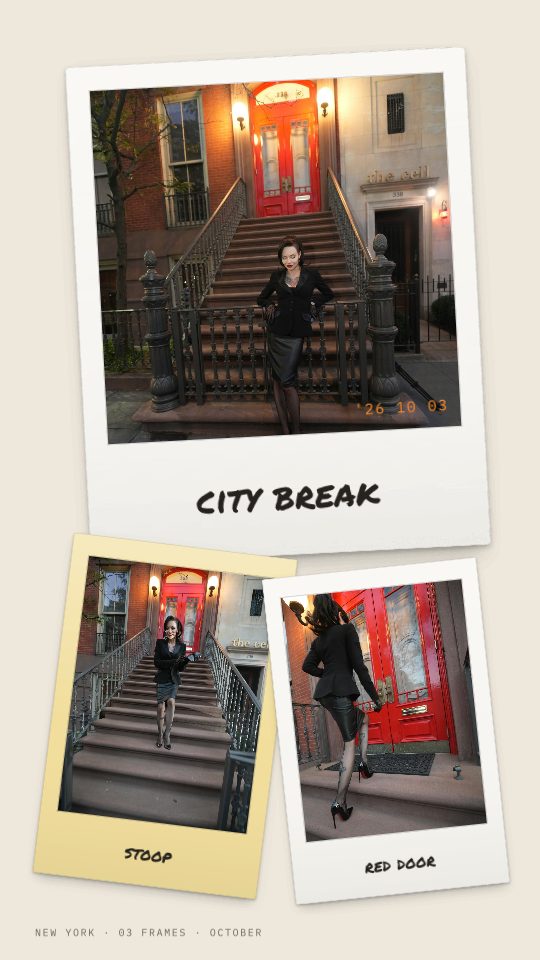
City Break

After Hours

Proud of You
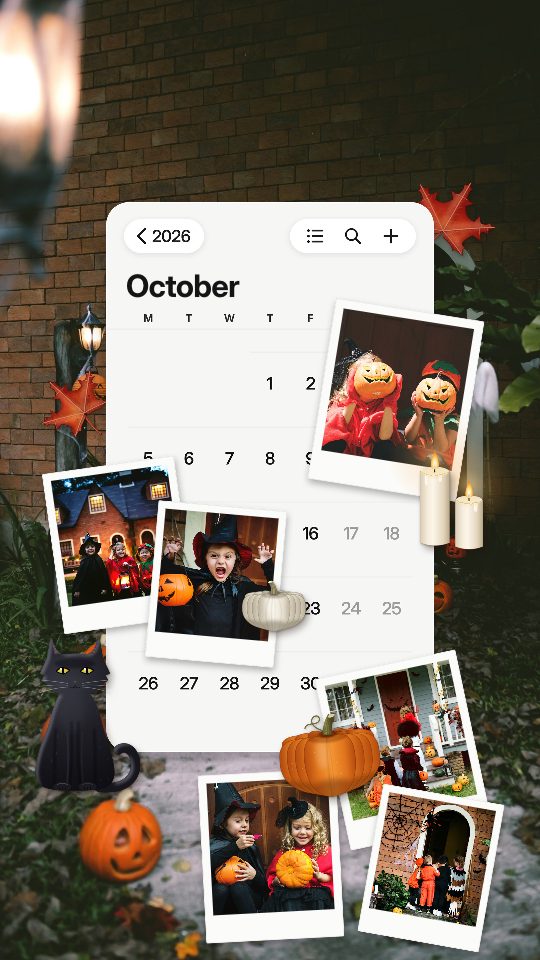
October 2026
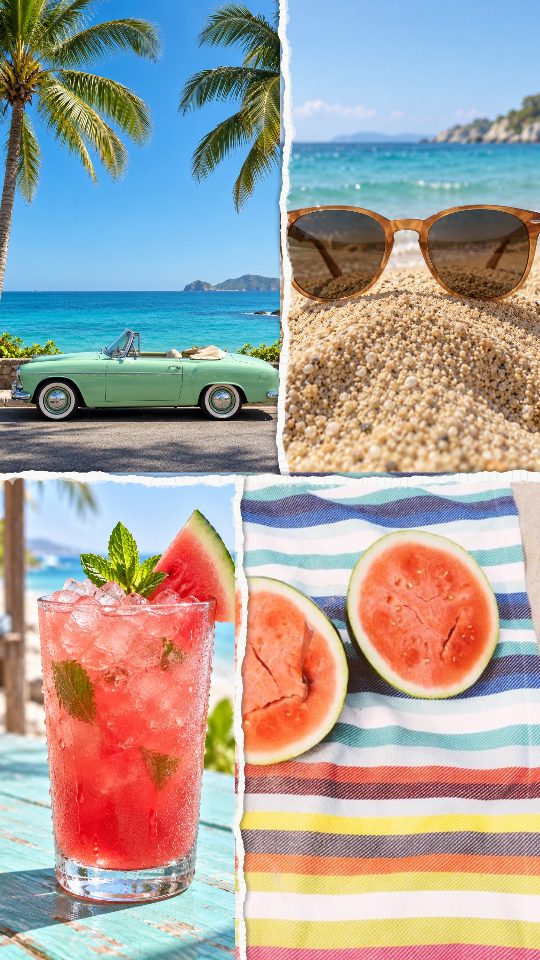
Torn Four
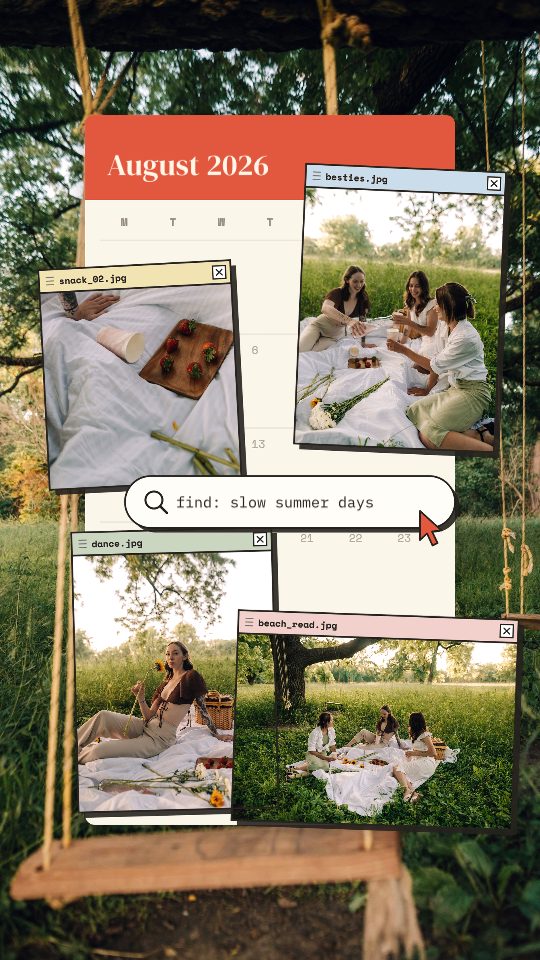
Month Files
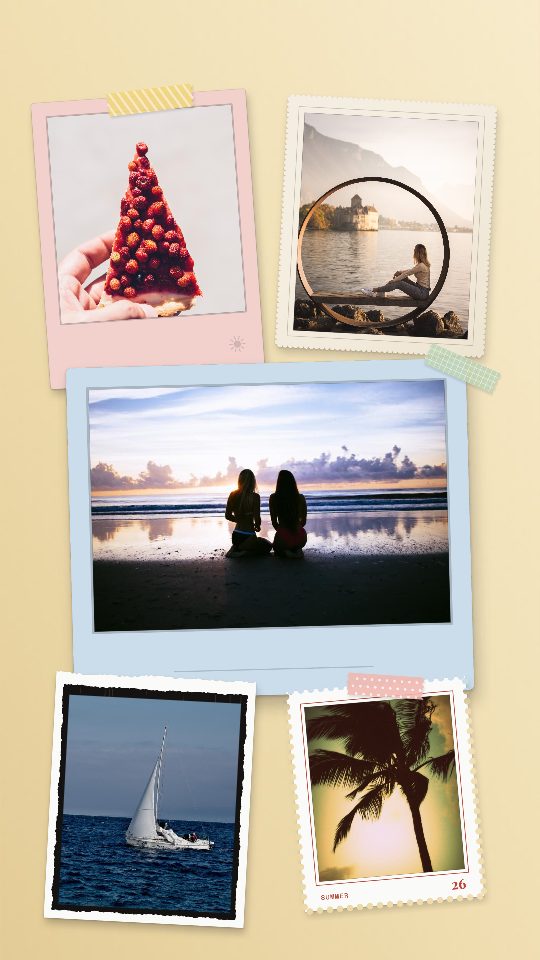
Summer Board

Blue Proof
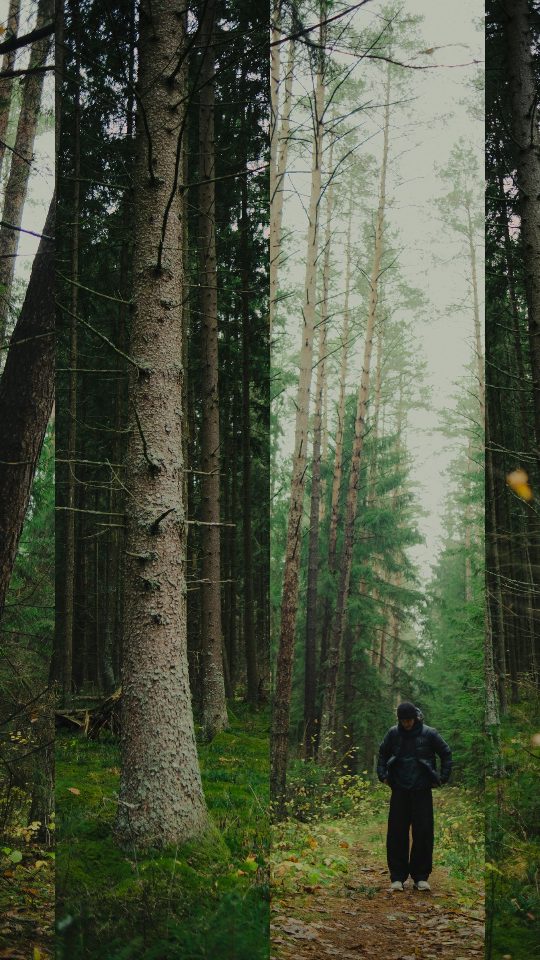
Loop Columns
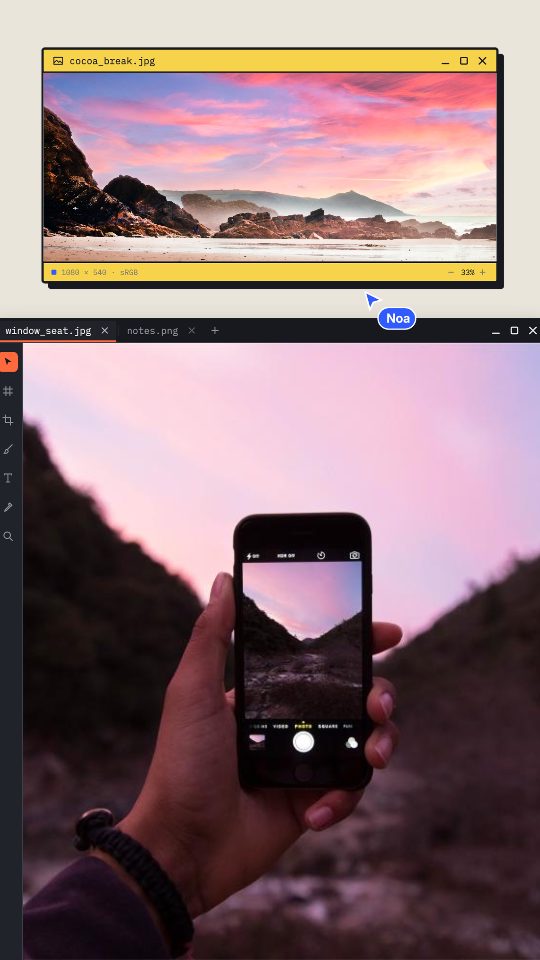
Desk Stack
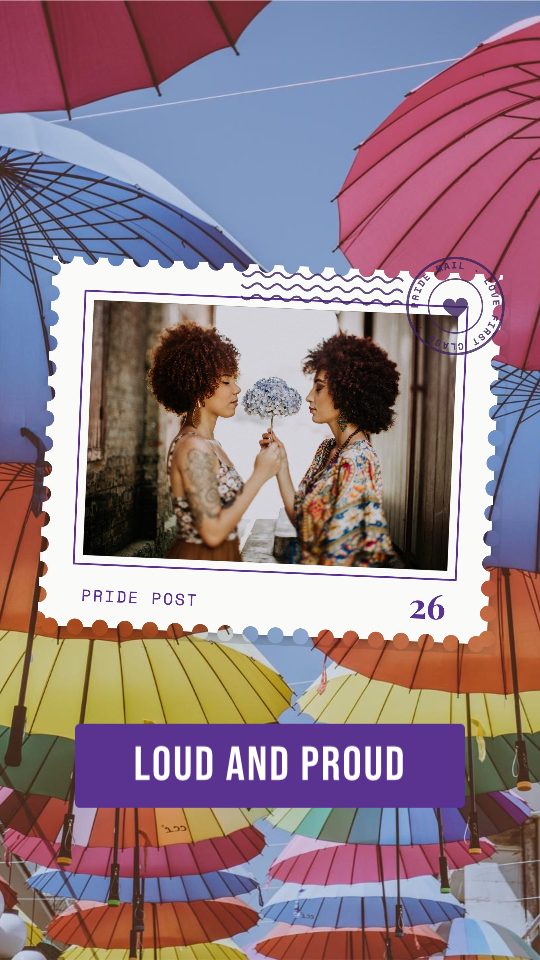
Pride Stamp
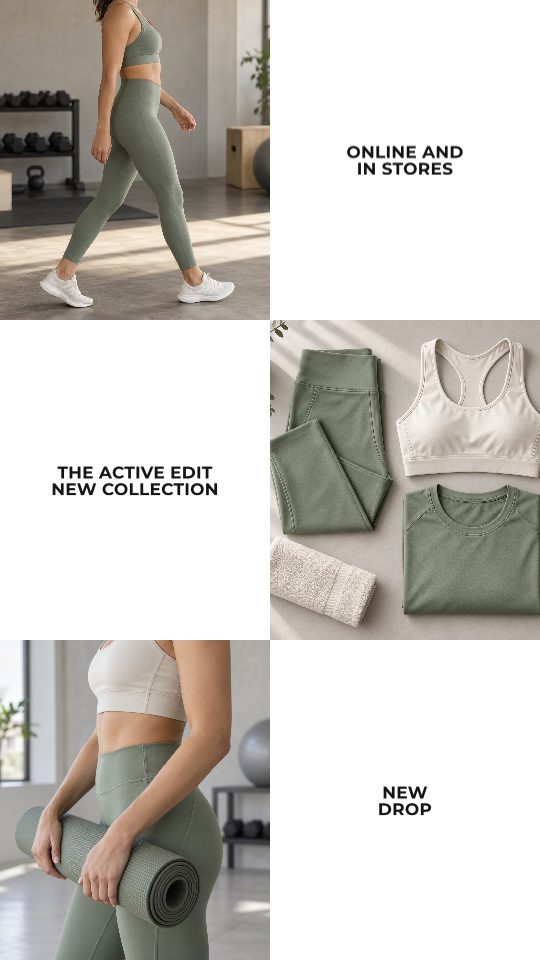
Checker Sale
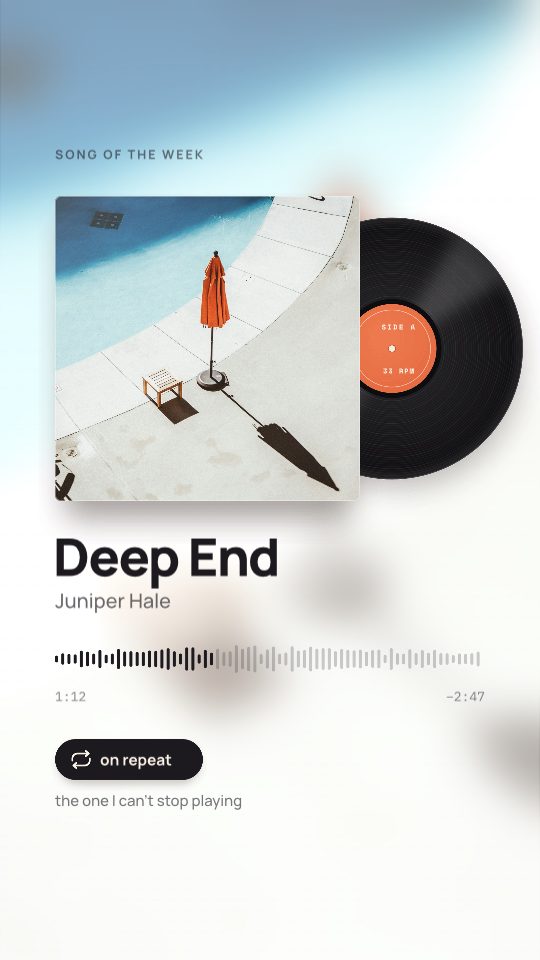
Song Card
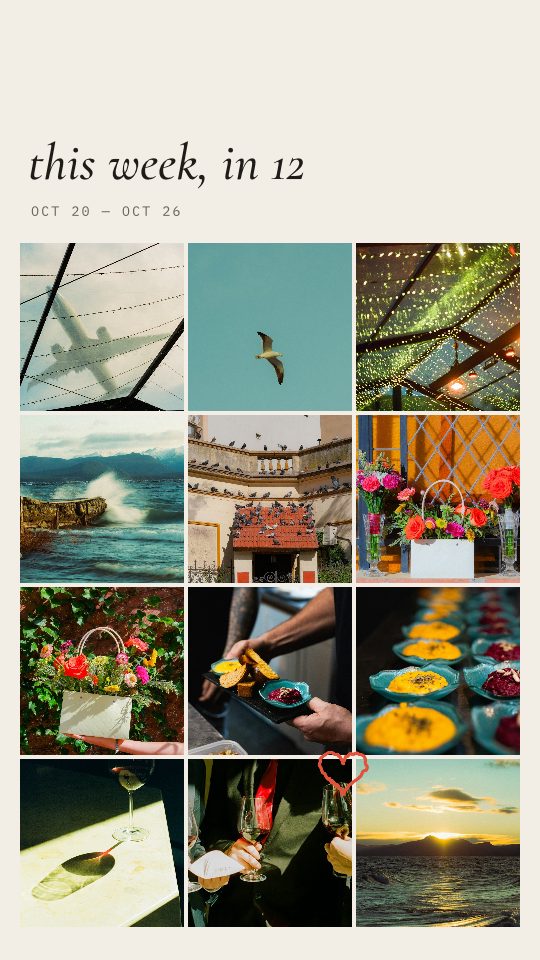
Story Grid
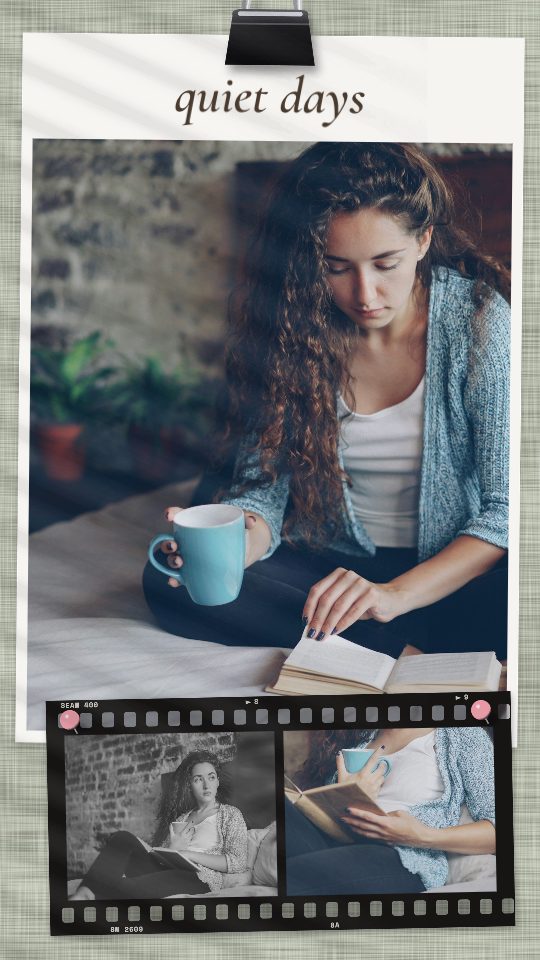
Quiet Days

Haunted House
Collage posts for the feed
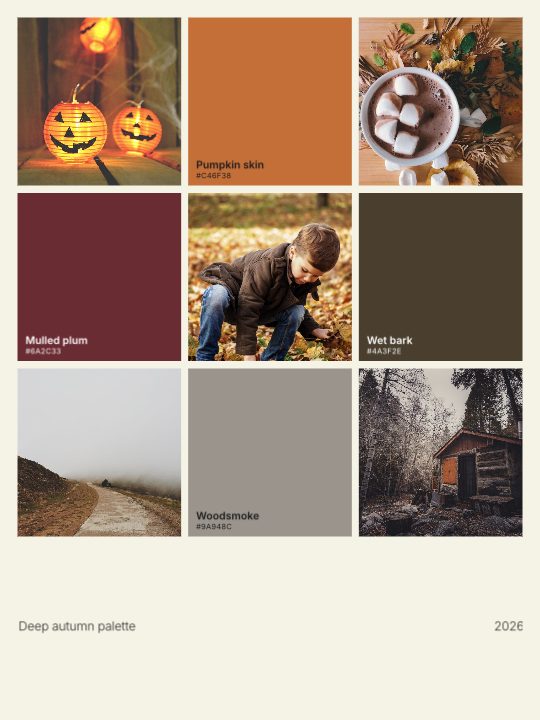
October Moodboard
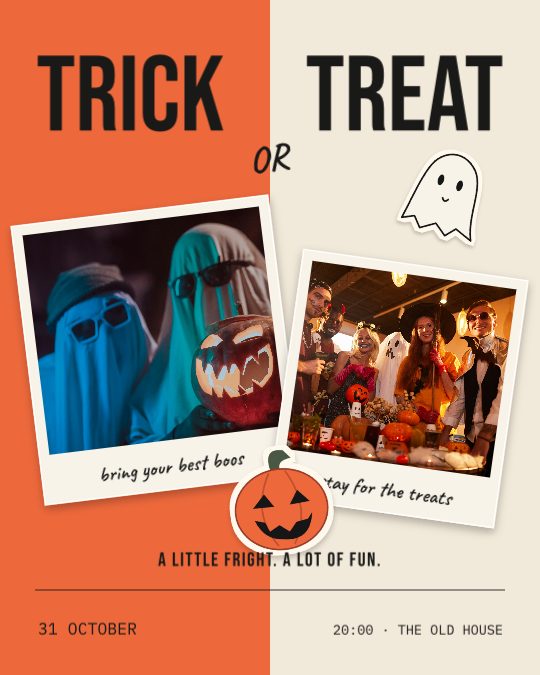
Trick or Treat
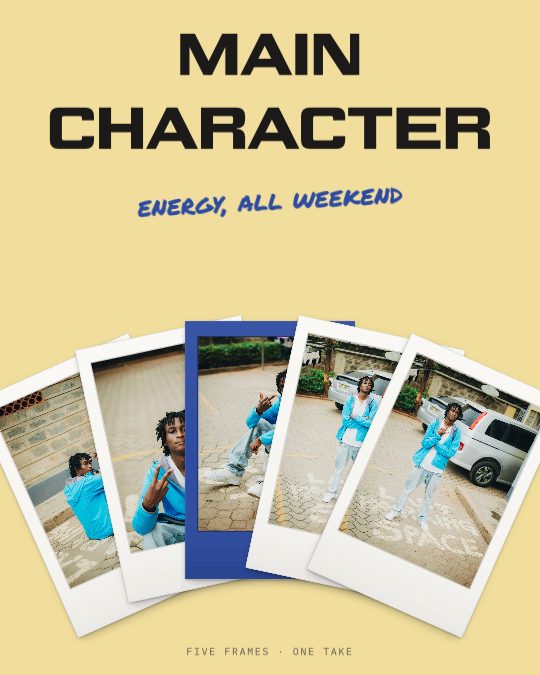
Main Character
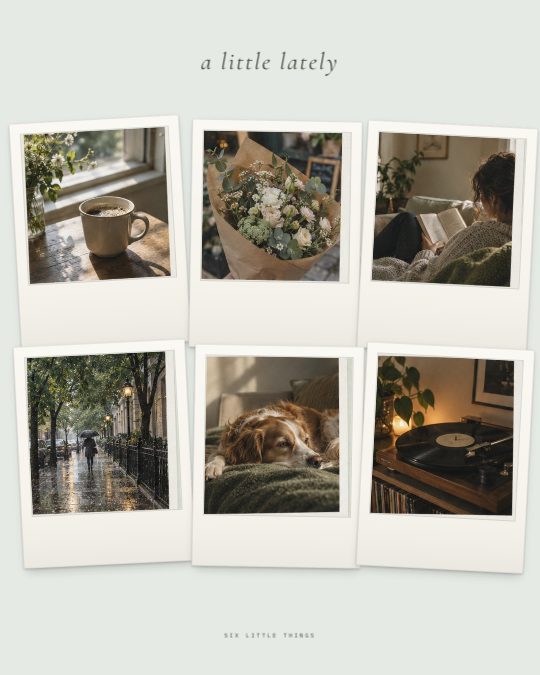
A Little Lately

August Recap

Fright Night
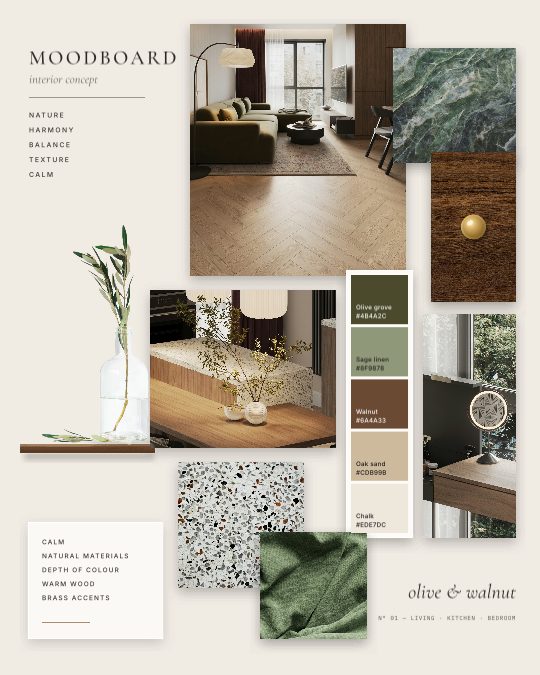
Interior Concept
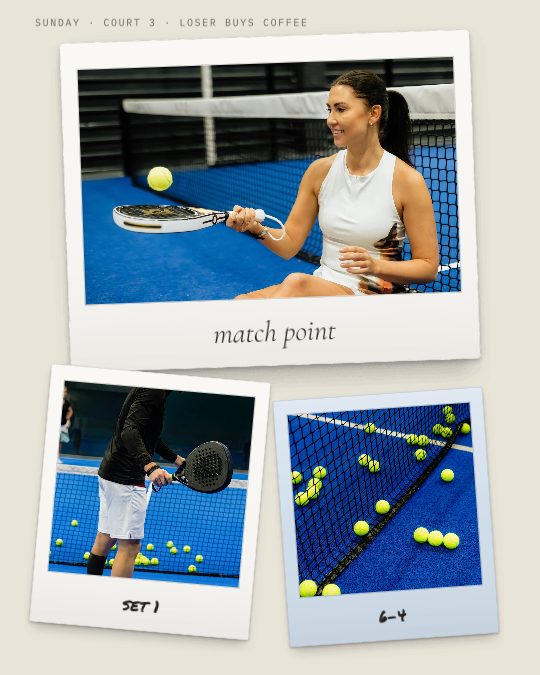
Match Point
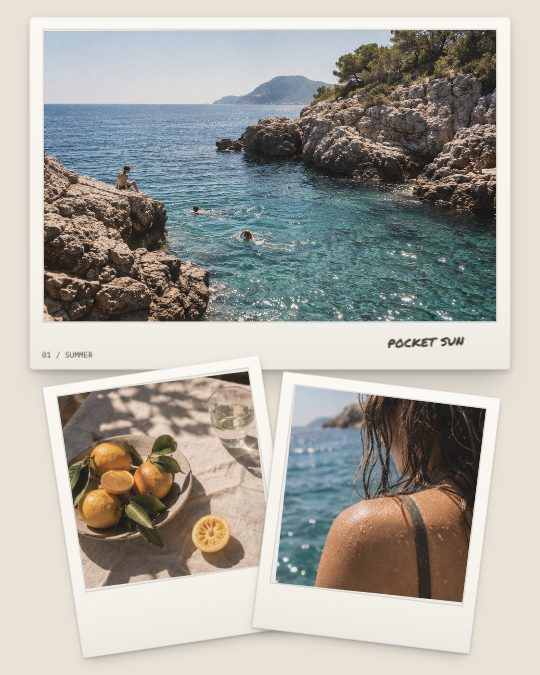
Pocket Sun
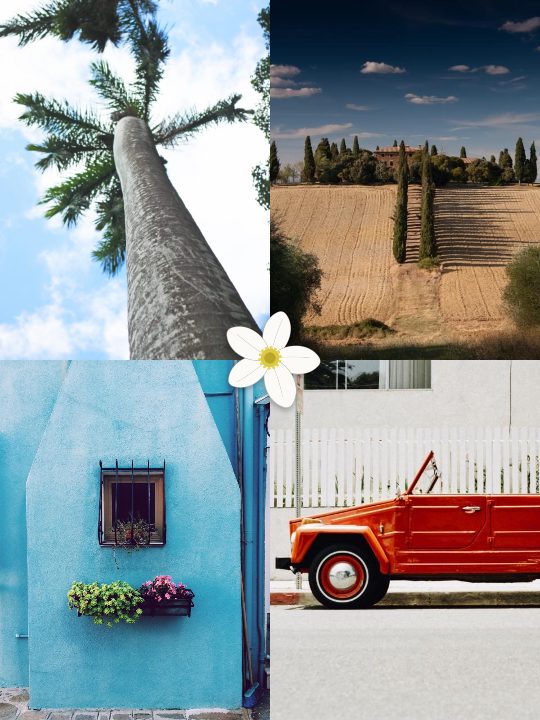
Riviera

Muse
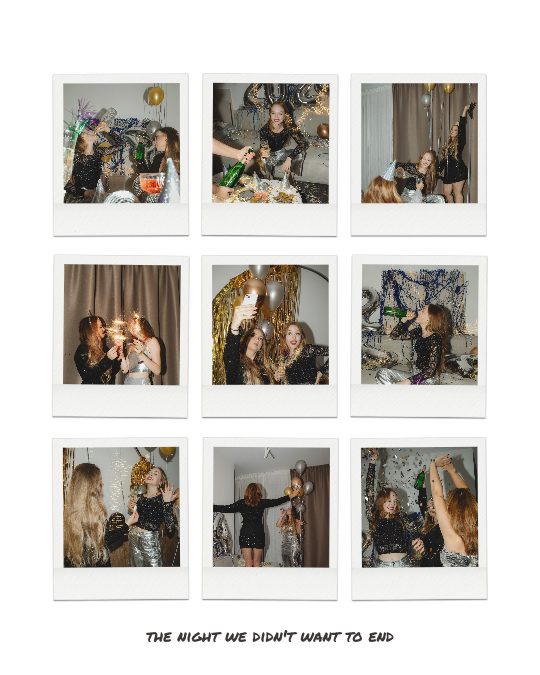
Mini Grid
How to make a collage for Instagram
- Pick a layout for the photos you have. Story collages are 9:16 and fill the screen; posts are 4:5, 3:4 or 1:1 and sit in your feed.
- Add your photos. Open the template in your browser or the app, put a photo in each frame and adjust the crop, then rewrite any words.
- Export and post. Save the collage as an image and share it to your story or your feed.
Questions
Are the collage templates free?
Most are. Templates marked with a crown need Seamly Pro; the rest are free to use in your browser and in the iPhone and Android apps.
Which size should I use?
A 9:16 story collage (1080 × 1920 pixels) fills the screen in stories. For the feed, 4:5 (1080 × 1350) is the tallest post, 3:4 (1080 × 1440) matches the tiles of your profile grid, and 1:1 is the classic square.
How many photos can a collage hold?
From one to ten. Pick a photo count above to see only the layouts made for that many photos.
Can I make a collage on my phone?
Yes. Every template here is also in the Seamly app for iPhone, iPad and Android, with your photos straight from the camera roll.
What if my photos need more than one page?
Use a carousel instead: one design spread across several slides that people swipe through. The carousel templates hold up to twenty photos.
Looking for a photo dump across several slides? See the carousel templates, or cut one wide photo into slides with the free photo splitter.
Seamly is an app too
Every template here opens in the Seamly app for iPhone, iPad and Android, with your photos straight from the camera roll. Projects you make in the browser can follow you to your phone.