How to make a seamless carousel on iPhone
A seamless carousel is one design cut into slides, so photos and words carry on as people swipe. On iPhone you can make one in a few minutes with the free Seamly app, without cutting anything by hand.
Last updated · Free on iPhone and iPad · Five steps

What a seamless carousel is
In a seamless, or panorama, carousel the slides come from one wide design: a photo, a line of text or a shape runs off one slide and carries on in the next. Every slide is exactly the same size, so the joins line up as people swipe.
The full seamless carousel guide covers canvas sizes for every slide count. On iPhone, a seamless template does that work for you.
What you need
- An iPhone or iPad with iOS 17 or later.
- The Seamly app, free on the App Store for iPhone and iPad and on Google Play for Android.
- Your photos, in the camera roll: a wide landscape or panorama works well, or a few photos for a template.
Make it in Seamly, step by step
Step 1: Get Seamly
Download Seamly from the App Store and open it. The app and most templates are free; templates marked Pro need Seamly Pro, which starts with a free trial.
Step 2: Find a seamless template
Go to Templates, tap search and type “seamless”. The results are carousels designed to run across their slides. Tap one to see every slide, then tap Use this template.
Step 3: Add your photos
Tap Add photos and pick them in the order you want them. A photo can sit across the line between two slides, so keep faces and small words off that line: tap a photo to adjust where it sits in its frame. Tap any text to write your own.
Step 4: Save every slide
Tap Export, keep All pages selected and save them to Photos. Seamly cuts the design into slides of exactly the same size, 1080 pixels wide and numbered in page order, so the joins line up.
Step 5: Post it in order
Tap Post to Instagram, or open Instagram yourself: tap +, choose Post, turn on multiple selection and pick the slides in order, 1, 2, 3. The order you tap is the order people swipe. Check that the first slide isn’t cropped to a square, since it sets the shape for the rest. Swipe through once before you share.
Tips for clean seams
- Keep the cover’s subject in the middle. Your profile grid shows each post as a 3:4 crop, which trims the sides of a 4:5 slide.
- Lead the eye. A horizon, a road or a line of text that runs through every slide pulls people to the end.
- Three to five slides is a good length. Past that, each slide needs something new to look at.
- End on a slide that lands: the best part of the picture, or a short message.
Just one wide photo?
To cut a single panorama into equal slides without adding anything, the free photo splitter works in Safari with no sign-up. For text, stickers and layouts across the seams, use the app.
Carousel templates to start from
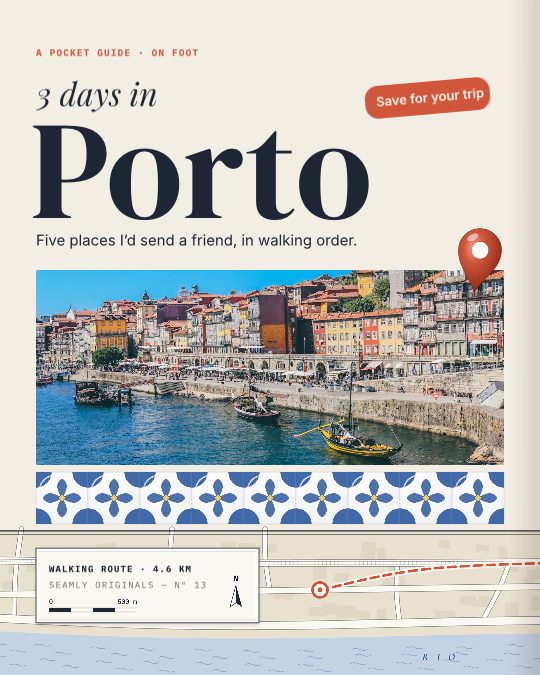
Pocket Guide
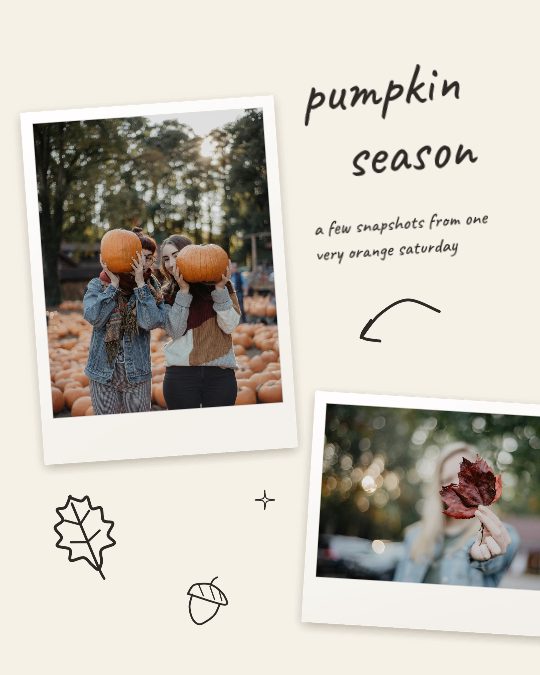
Scribbled
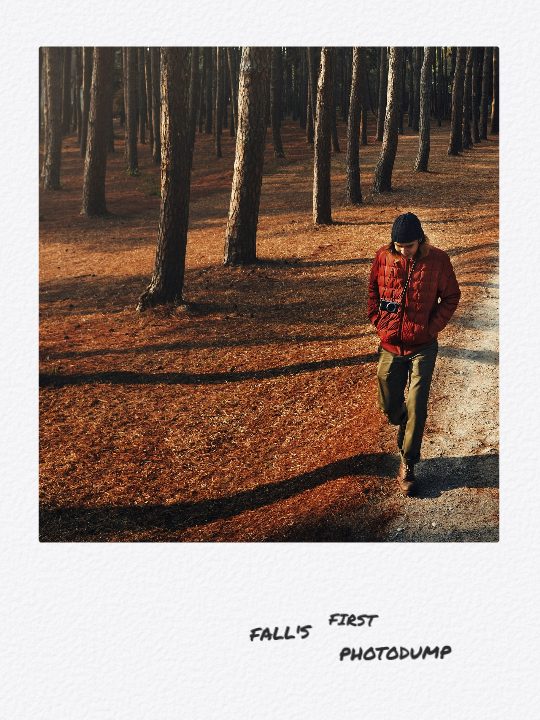
Photodump

October Recap

Spooky Szn
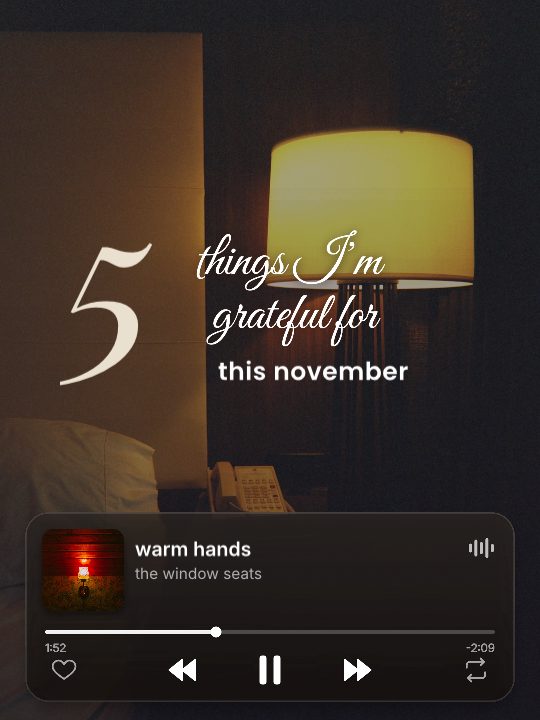
Grateful Five
Questions
Can I make a seamless carousel on iPhone without an app?
Instagram can’t cut one photo into slides itself. You need an app such as Seamly, or a browser tool like Seamly’s free photo splitter.
What size is a seamless carousel?
Each slide is 1080 × 1350 for 4:5, 1080 × 1080 for square or 1080 × 1440 for 3:4. A three-slide 4:5 carousel is 3240 × 1350 in all.
How many slides can it have?
Instagram allows up to 20. Three to five slides is a good length for a panorama.
Is Seamly free on iPhone?
Yes. The app is free to download and most templates are free. Templates marked Pro, high-resolution export and a few tools need Seamly Pro, which starts with a free trial.
Does it work on Android or a computer?
Yes. Seamly is on Google Play for Android with the same templates, and it runs in any modern browser at canvas.seamly.art.
Seamly is an app too
Make seamless carousels on your phone with the Seamly app for iPhone, iPad and Android, with your photos straight from the camera roll.