Make TikToks from your clips
Seamly puts your clips together as one 9:16 video for TikTok. Each clip plays for as long as you set, from a 0.3-second flash to 10 seconds, with words that animate in, stickers, a filter and a cut or a transition into the next clip. Save it, upload it in TikTok and pick a sound there.
Last updated · 13 templates · 1080 × 1920 · web today, iPhone and iPad next
Made for the TikTok frame
- Full screen, 9:16. Every video is 1080 × 1920, the size TikTok plays full screen in the feed.
- Room for TikTok's buttons. TikTok puts its buttons down the right side and your name and caption along the bottom. Keep your words near the middle of the clip; drag a word to move it.
- Flash cuts. A clip can play for as little as 0.3 seconds, so an opening can flash through several clips. City Vlog opens with six 0.4-second cuts after its title.
- No song inside. Seamly doesn't add music. Choose a sound in TikTok when you post.
- One video for TikTok and Reels. The same file posts to Instagram Reels, which uses the same frame.
How to make a TikTok, step by step
Step 1: Start a video
In New project, choose Make a Reel. Or open a template from Reels on Home and tap Use.
Step 2: Pick your clips
Choose videos from your phone or computer. Each clip fills the 9:16 frame. A template takes one clip per page, in the order you pick them.
Step 3: Set the pace
Tap a clip in the row under the canvas, then Length: from 0.3 seconds for a flash cut to 10 seconds for a shot that holds, for one clip or every clip.
Step 4: Add words, stickers and a look
Text writes on the clip in view and Animate brings the words in. Keep them clear of TikTok's buttons on the right and the caption at the bottom. Stickers and Look add stickers and a filter.
Step 5: Save one video
Play shows the whole video. Save makes one MP4, every clip in order.
Step 6: Post it on TikTok
Open TikTok, tap +, then Upload, and choose the video. Tap Add sound to pick music, write your caption and post.
Start from a template
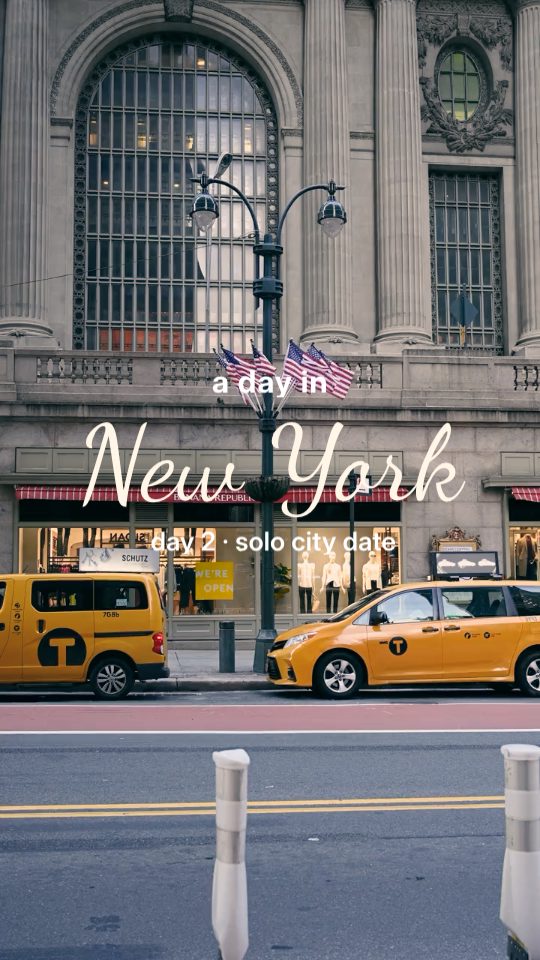
City Vlog
A day in the city: its name written in, six flash cuts, three captioned shots and a handwritten sign-off.
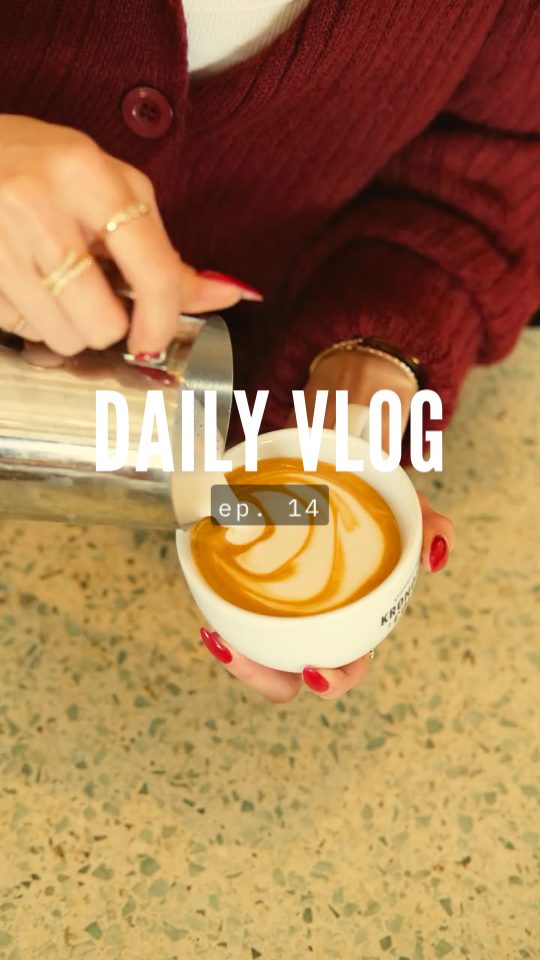
Daily Vlog
A day in seven clips: a title, then a time and a caption on each.
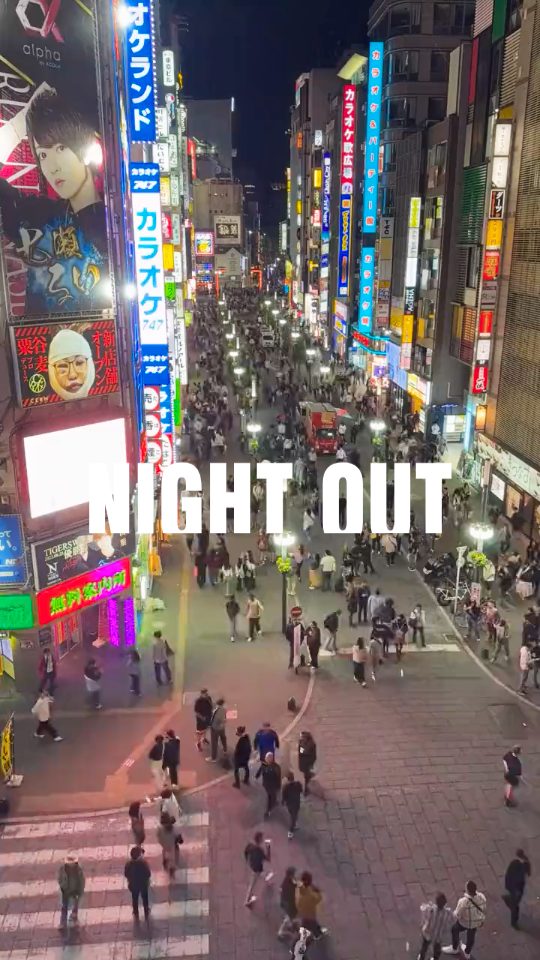
Night Out
Fast cuts from a night out, scored 10/10 at the end.
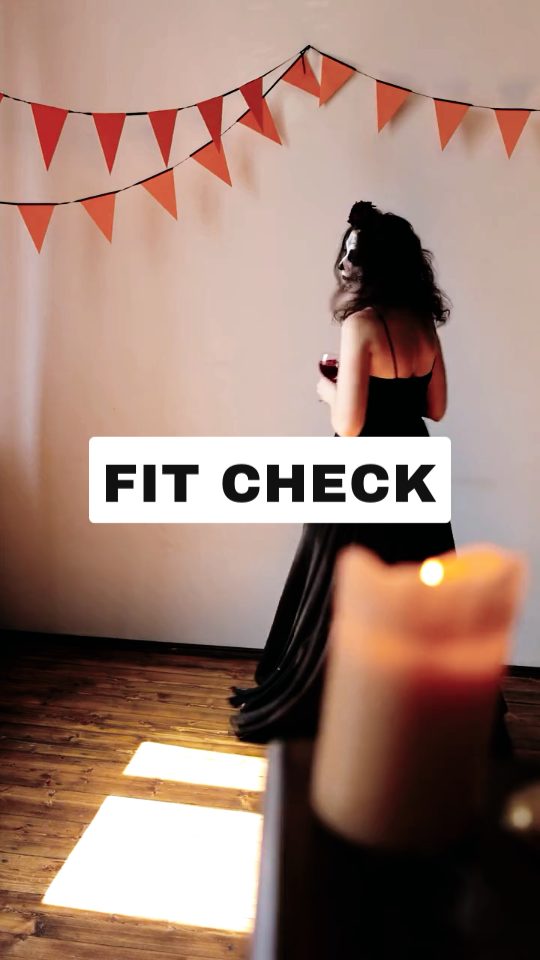
Fit Check
Outfits one after another, ending with "rate it 1-10".

Weekend Recap
Saturday and Sunday in five clips, rated at the end.
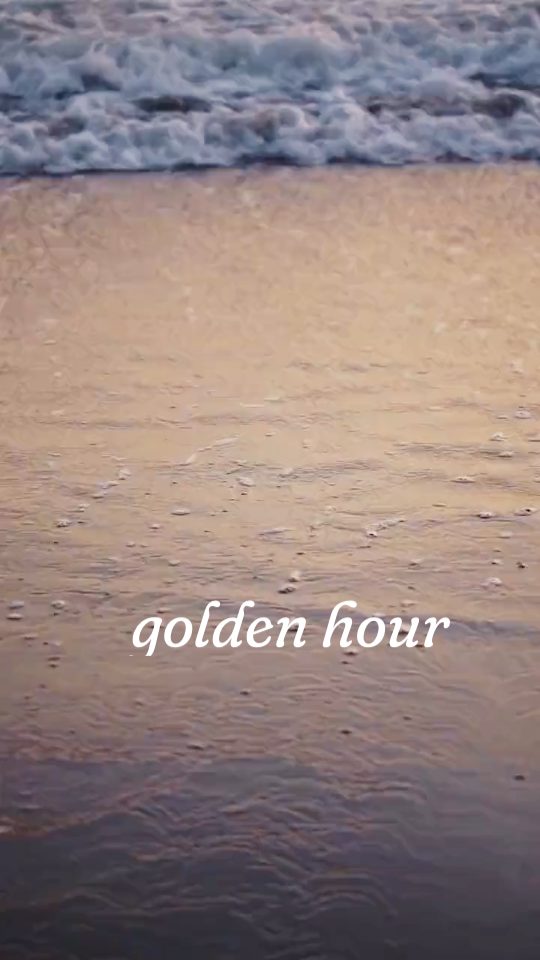
Golden Hour
Slow evening light, a date and a closing line.
Questions
What size is a TikTok video?
9:16, 1080 × 1920 pixels: full screen in TikTok's feed. Seamly saves every video at that size.
Can I add music in Seamly?
No. Seamly doesn't put songs in your video. Add a sound in TikTok after you upload it, from TikTok's own library.
How short can a clip be?
0.3 seconds, for flash cuts. A clip with animated words plays for at least 1 second, and no clip plays longer than 10 seconds or than the clip itself.
Is the TikTok maker free?
You can pick clips and edit for free. Saving a video needs Seamly Pro, and all 13 templates are Pro.
Can I post the same video to Instagram Reels?
Yes. Reels use the same 9:16 frame, so the video you save posts to both.
Where can I make TikToks with Seamly?
In your browser at canvas.seamly.art today, and in the Seamly app on iPhone and iPad with its next update.
More for TikTok
- TikTok templates: vlogs, recaps, slow edits, nights out and travel.
- Daily vlog TikTok template: a day in my life in seven clips.
- Reel maker: the same video for Instagram Reels.
Seamly is an app too
Make TikToks from your clips in your browser today, and in the Seamly app on iPhone and iPad with its next update.