Daily vlog TikTok template
Daily Vlog turns seven clips from your day into a TikTok. The first clip carries DAILY VLOG and an episode number; then each clip gets a time and a caption that animate in. It runs about 8.6 seconds. Put in your clips and words, save one video and add a sound in TikTok.
Last updated · 7 clips · about 8.6 seconds · 1080 × 1920 · Seamly Pro

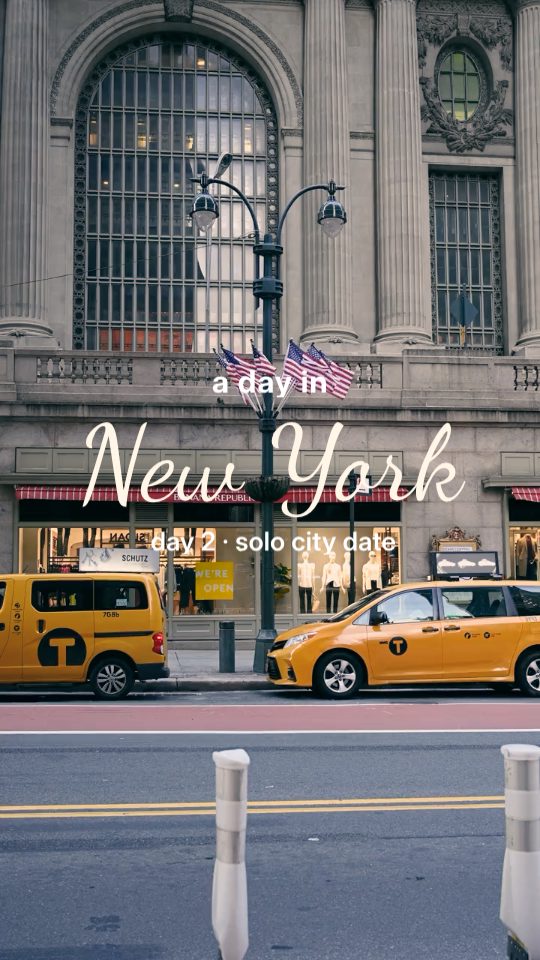
Your day, clip by clip
| Clip | Plays for | Words you can change |
|---|---|---|
| 1 | 1.4 s | DAILY VLOG · ep. 14 |
| 2 | 1.2 s | 09:30 · second coffee |
| 3 | 1.2 s | 11:45 · errands |
| 4 | 1.2 s | 14:20 · a long walk |
| 5 | 1.2 s | 17:05 · beach detour |
| 6 | 1.2 s | 18:40 · golden hour |
| 7 | 1.2 s | 22:15 · night out |
The title pops in word by word, each time types itself out and each caption rises in. The clips cut straight from one to the next, with a zoom into the last one, all with the Digi Warm look.
What to film
- Clip 1, the title. Something that starts the day: a coffee, the view from the window, the walk out the door. DAILY VLOG sits over the middle of it.
- Clips 2 to 7, the day. One for each part of it, in order. Each plays for 1.2 seconds, so keep the moment at the start of the clip.
- Leave the edges clear. TikTok's buttons cover the right side and your caption covers the bottom; the template's words sit near the top and in the lower middle.
How to make a day in my life TikTok
Step 1: Film your day
Seven clips from morning to night: one for the title, then one for each part of the day. Each plays for about a second, so three seconds of video per clip is plenty.
Step 2: Open Daily Vlog
Find it under Reels and tap Use.
Step 3: Pick your clips in order
Choose the title clip first, then the rest of the day. Seamly puts one clip on each page and plays each from its start.
Step 4: Write your day
Tap a word to change it: the episode number, each time and each caption.
Step 5: Save it
Tap Play to watch it, then Save one video.
Step 6: Post it on TikTok
Upload the video in TikTok, tap Add sound to pick music, and write your caption.
A day in a city: City Vlog
For a day somewhere new, City Vlog opens with the city's name written in by hand over your first clip, then flashes through six clips at 0.4 seconds each before three captioned shots and a handwritten sign-off. It takes 11 clips and runs about 10.2 seconds.
More vlog templates
Daily Vlog
A day in seven clips: a title, then a time and a caption on each.
City Vlog
A day in the city: its name written in, six flash cuts, three captioned shots and a handwritten sign-off.
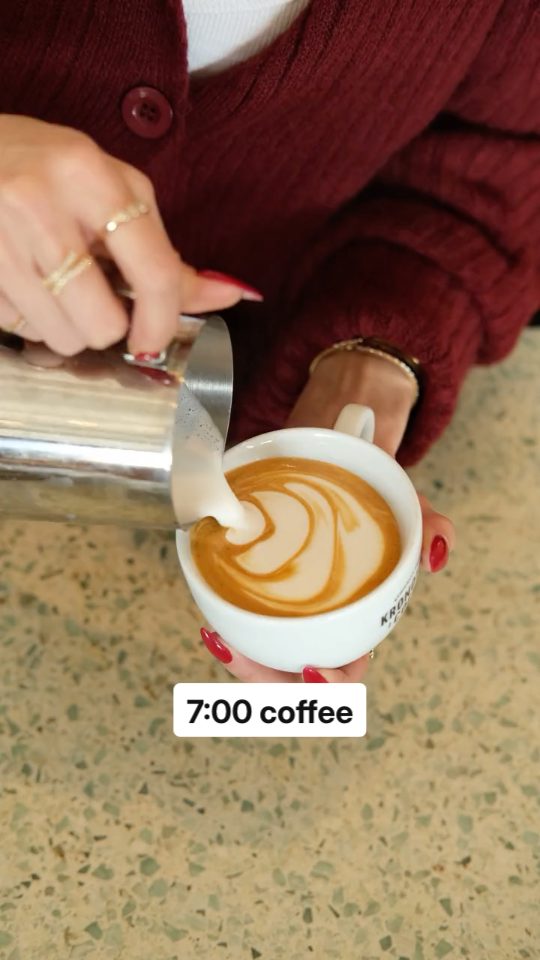
Day in my life
Morning to night in six clips, a time and a word on each.

Vlog Diary
A quiet diary entry: five clips, a sentence on each.
Questions
How long is the daily vlog TikTok?
About 8.6 seconds: 1.4 seconds for the title clip and 1.2 seconds for each of the other six. Length makes any clip longer or shorter.
Does it come with music?
No. Pick a sound in TikTok after you upload the video.
Do I need exactly seven clips?
Seven fill it. If you pick fewer, they repeat to fill the pages.
Can I make it a series?
Yes. The title clip carries an episode number: change it each day, ep. 14, ep. 15, and the videos read in order on your profile.
Can I post it on Instagram too?
Yes. It's the same 9:16 video, so it posts to Instagram Reels as well.
Is it free?
Daily Vlog is a Pro template: it needs Seamly Pro.
More for TikTok
- TikTok video maker: make a TikTok from any clips.
- TikTok templates: all 13, by the kind of TikTok they make.
- Daily vlog template: the same template for Instagram Reels.
Seamly is an app too
Make TikToks from your clips in your browser today, and in the Seamly app on iPhone and iPad with its next update.