Instagram collage maker
Collages at Instagram’s own sizes, for posts, stories and two-slide carousels. Free, right in your browser.
- No sign-up Open the page and start.
- No watermark Your collage, nothing added.
- Nothing uploaded Made in your browser, on your device.
- Up to 20 photos With layouts that fit their shapes.
Make a collage at Instagram’s own sizes: 4:5 for the feed, 3:4 to fill a profile-grid tile, 9:16 for stories, or one collage that runs across two carousel slides. Add up to 20 photos, pick a layout drawn for them, swap and zoom, and save a JPG at Instagram’s full width of 1080 pixels. There’s no sign-up and no watermark, and your photos stay on your device.
Does Instagram have a collage maker?
Only for stories. The story camera’s Layout tool takes up to six photos in a few fixed grids, and feed posts have no collage tool at all. So most people make the collage first, in a collage maker like this one, and post it as a single photo: any number of photos up to 20, layouts drawn for them, and the exact size Instagram shows in full.
How to make a collage for an Instagram post
- Make it 4:5. Add your photos above, keep the 4:5 size (1080 × 1350 pixels) and pick a layout. Choose 3:4 instead if you want the whole collage to show in its profile-grid tile.
- Download it. Tap Save to Photos on your phone, or Download JPG on a computer.
- Post it. In Instagram, tap + and choose Post, then pick the collage. If the preview shows a square, tap the expand button in its corner so the whole collage shows, then add your caption and share.
How to make a collage for your Instagram story
- Make it 9:16. Choose the 9:16 Story size (1080 × 1920 pixels), add your photos and pick a layout.
- Keep the edges clear. Instagram puts your name at the top of a story and the reply bar at the bottom, so keep faces out of the top and bottom 250 pixels or so.
- Share it to your story. Save the collage, open Instagram, swipe right or tap + and choose Story, then pick the collage from your camera roll.
A collage across a carousel
Choose 2 slides and the collage becomes one wide picture, cut down the middle into two 4:5 slides. A photo can sit across the line, so as people swipe from the first slide to the second, it carries on. Post the two slides as one carousel, slide 01 first.
For more slides, words and stickers across the seams, use the seamless carousel maker; to cut one wide photo into slides, the photo splitter.
Instagram collage sizes
| For | Shape | Size in pixels | Good to know |
|---|---|---|---|
| Instagram post | 4:5 | 1080 × 1350 | The tallest feed post, and the shape most carousels use. |
| Profile grid | 3:4 | 1080 × 1440 | The shape of your profile grid’s tiles, so the collage isn’t cropped there. |
| Square | 1:1 | 1080 × 1080 | The classic post; also fits most profile pictures and messages. |
| Story | 9:16 | 1080 × 1920 | Fills the screen in stories and reels. Close to a phone wallpaper. |
| Carousel | 2 slides | 2160 × 1350 | One collage cut into two 1080 × 1350 slides that join up as people swipe. |
Instagram shows posts at 1080 pixels wide, so a collage this size is shown at full sharpness. A carousel takes up to 20 slides, and every slide takes the first slide’s shape.
Tips for a collage that works on Instagram
- Lead with your best photo. Put it in the biggest frame: in a small feed preview, it’s the one people see.
- Fewer photos for the feed, more for stories. Four to six photos read well in a post; a story fills the screen and can take more.
- Give the photos one look. Photos with the same light or filter make the collage feel like one picture.
- Mind the profile grid. Your grid shows posts as 3:4 tiles, so the top and bottom of a 4:5 collage are trimmed there. Make it 3:4 to show all of it.
- Keep faces off the edges of a story. Your name sits at the top and the reply bar at the bottom.
Instagram collage templates
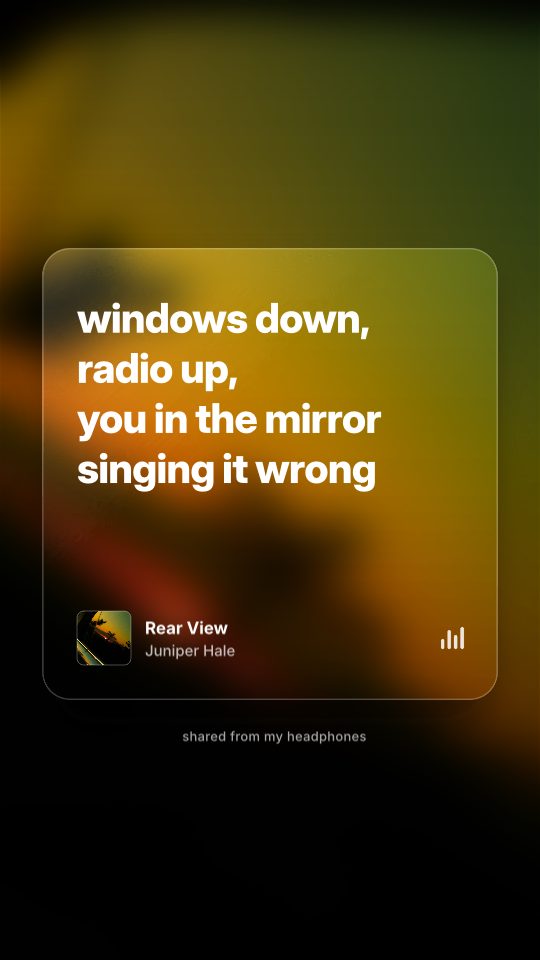
Lyric Card
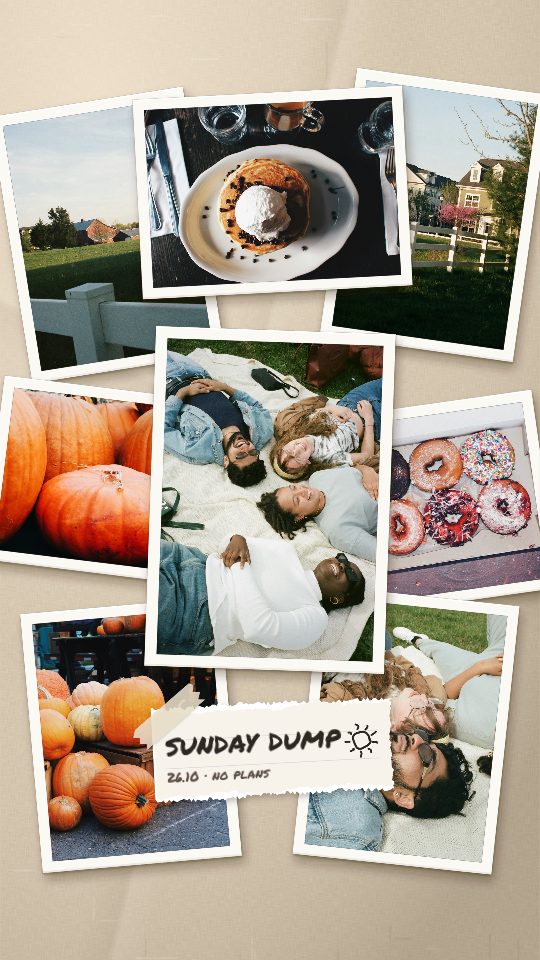
Photo Pile
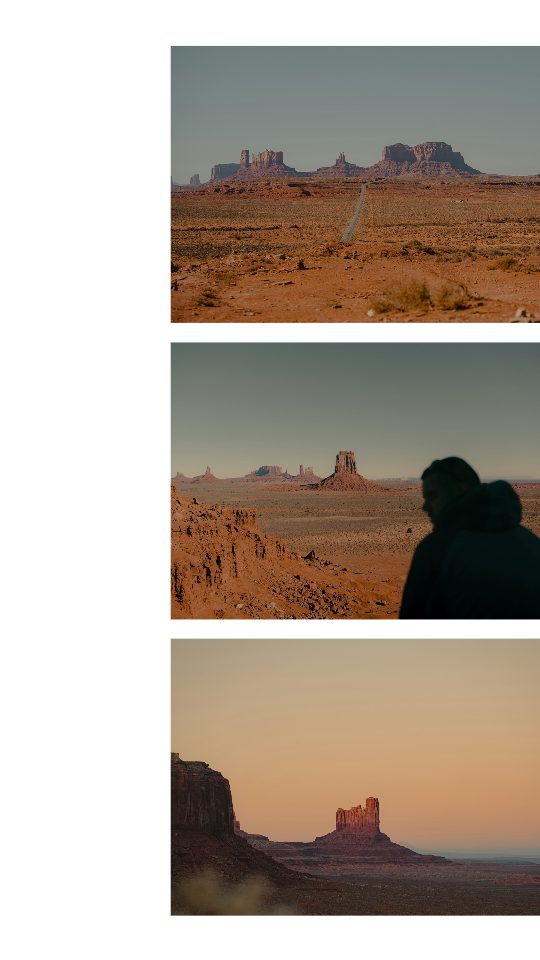
Bleed Trio
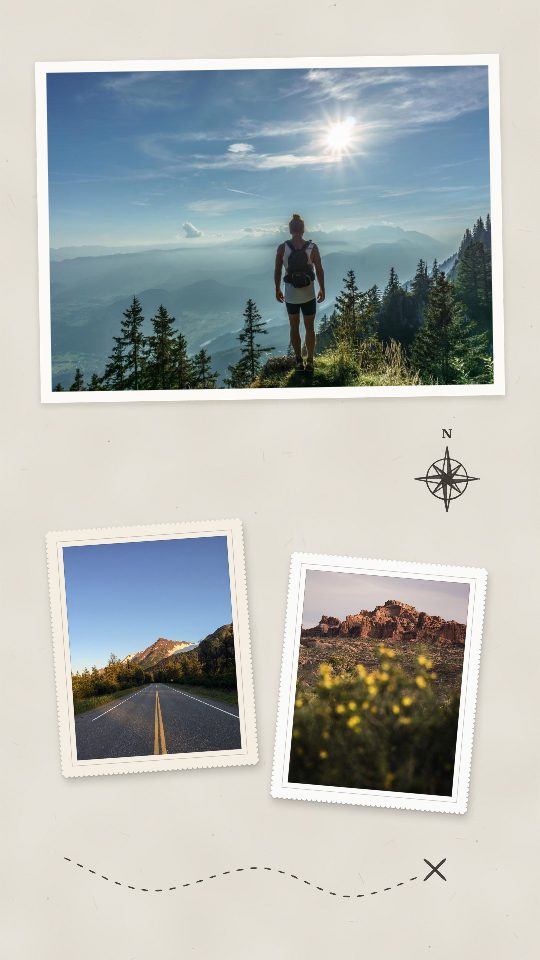
Route Map
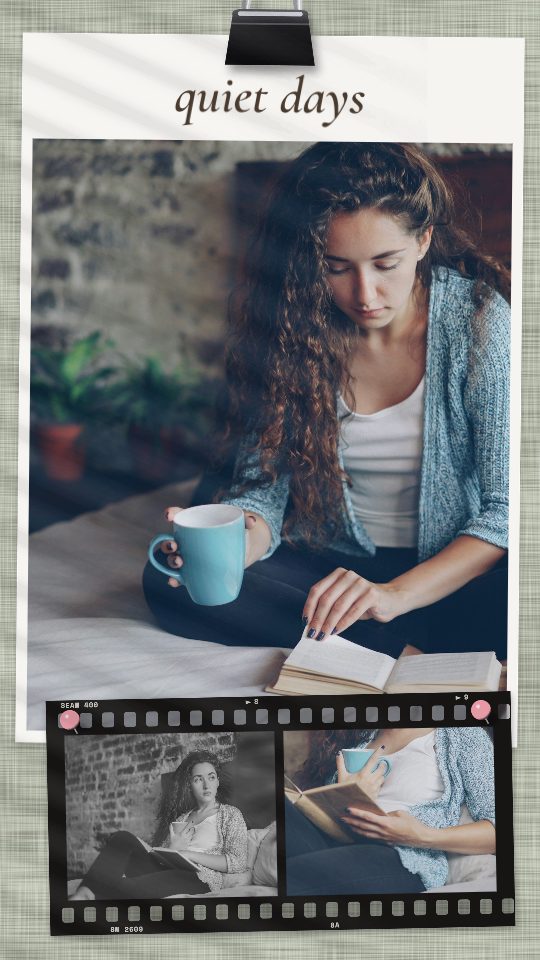
Quiet Days
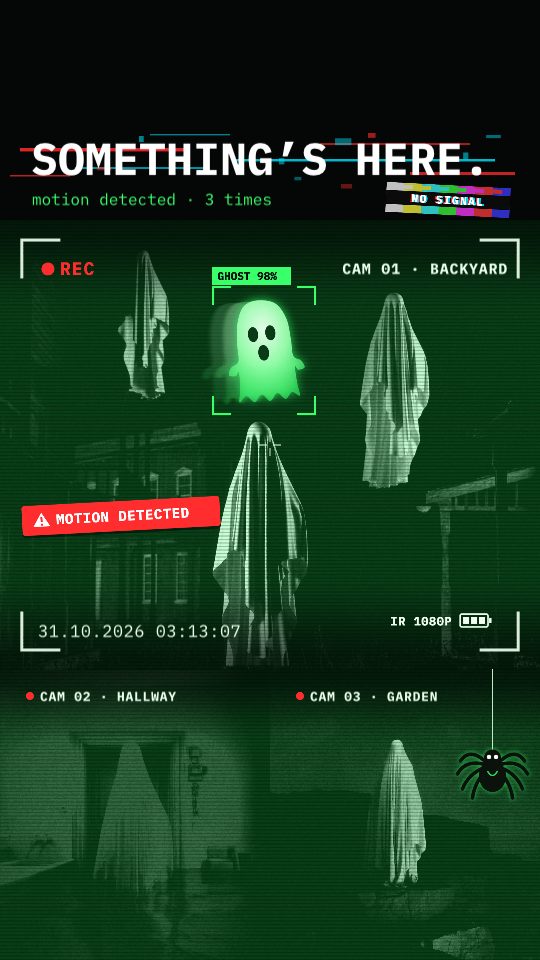
Caught on Cam
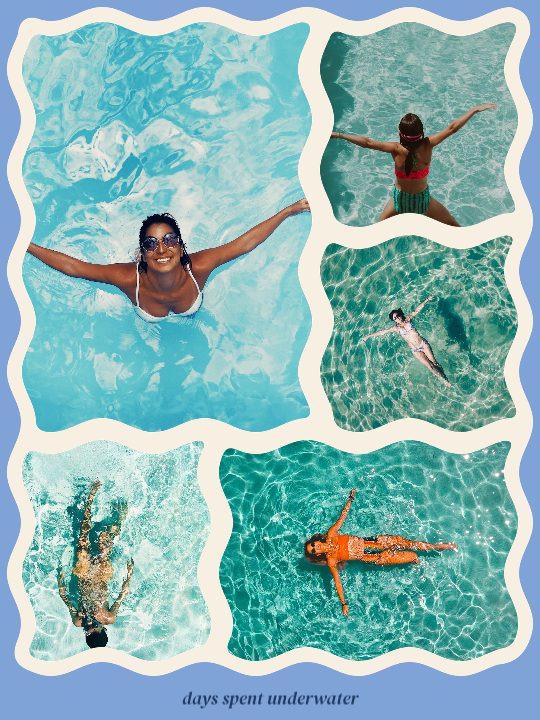
Wavy

Spelled Out
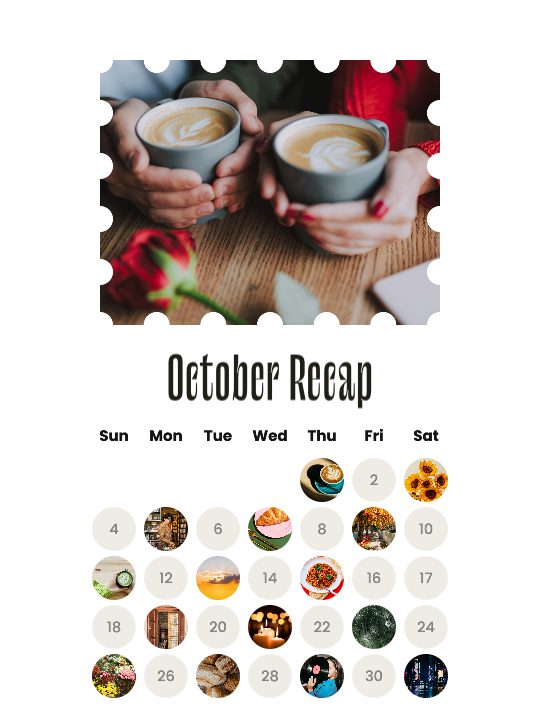
October Dots
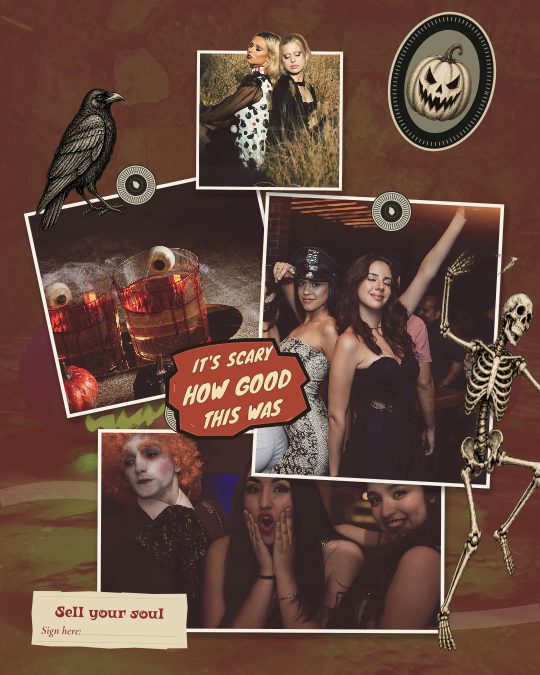
Dead good company
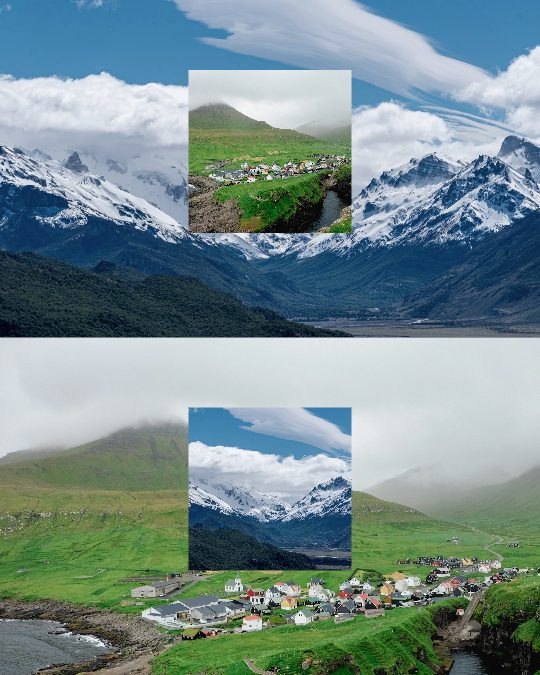
Color Swap
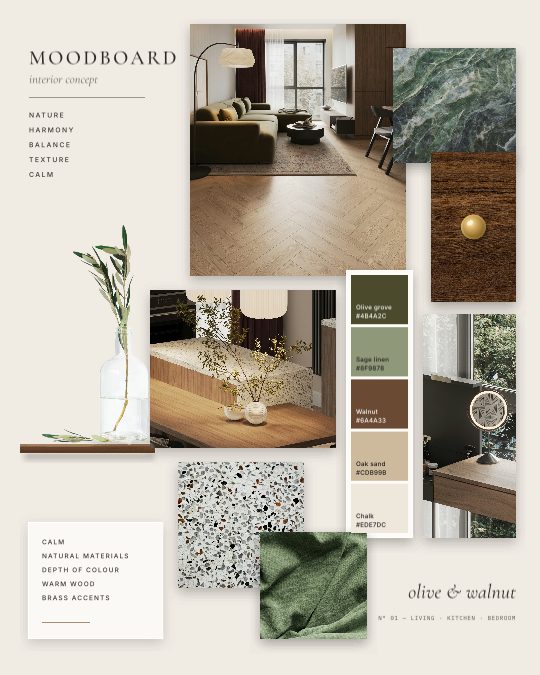
Interior Concept
Questions
Does Instagram have a collage maker?
Only in stories: the Layout tool in the story camera puts up to six photos into a few fixed grids. There is no collage tool for feed posts. A collage maker gives you more photos, layouts drawn for them and every Instagram size, then you post the result like any photo.
What size is an Instagram collage?
For the feed, 4:5 (1080 × 1350 pixels) is the tallest post, 3:4 (1080 × 1440) matches your profile grid’s tiles, and 1:1 (1080 × 1080) is square. For stories, 9:16 (1080 × 1920).
How many photos can I put in an Instagram collage?
Here, up to 20 in one picture. Instagram’s own story Layout takes up to six. A carousel post can hold up to 20 slides, so you can also post several collages together.
How do I make a collage across two carousel slides?
Choose the 2 slides size. You get one wide collage with a dashed line where the slides meet; photos can run across it. Download the two slides and post them as one carousel, slide 01 first, and the collage joins up as people swipe.
Why does my collage look cropped on Instagram?
Instagram may show a new post as a square at first. Tap the expand button in the corner of the preview to show the whole 4:5 collage. In a carousel, every slide takes the first slide’s shape.
Why does my collage look blurry on Instagram?
Upload the downloaded JPG itself, not a screenshot of it, and use your original photos rather than ones saved from messages. The collage is already at Instagram’s full width of 1080 pixels.
Is it free, and do I need an account?
It’s free, with no sign-up and no watermark, and your photos never leave your device. Seamly Pro is only for extras in the Seamly editor and apps.
Can I add text, stickers or music?
Not in this quick maker. The Seamly editor and app add text, stickers, filters and designed collage templates; for music, add a song in Instagram when you post a story.
Making a collage for print or a wallpaper? Use the photo collage maker, which adds 4×6 print and 16:9 sizes. For designed layouts, browse the Instagram collage templates.
Go further than a collage
In the Seamly editor you can put words, stickers, filters and cutouts on your collage, start from hundreds of designed templates, or spread it across a seamless carousel. It’s free to start in your browser, and there are apps for iPhone and Android.
Seamly is an app too
Make collages on your phone with the Seamly app for iPhone, iPad and Android: your photos straight from the camera roll, plus templates, text, stickers and filters. Projects you start in the browser can follow you to your phone.